PCAN-USB – User Manual
16
5 Using the Software
This chapter covers the provided software PCAN-View and the
programming interface PCAN-Basic.
5.1 CAN Monitor PCAN-View for Windows
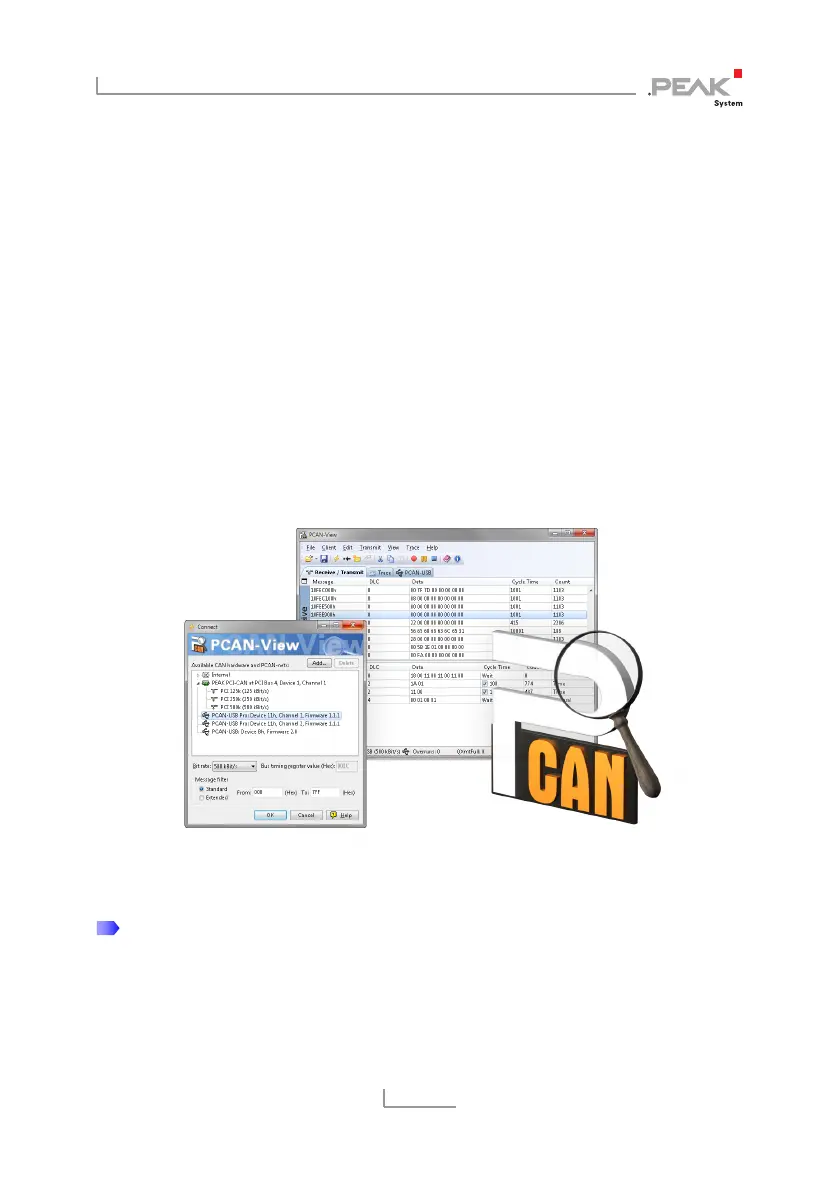
PCAN-View for Windows is a simple CAN monitor for viewing,
transmitting, and logging CAN messages.
Figure 5: PCAN-View for Windows
Do the following to start and initialize PCAN-View:
1. If PCAN-View is already installed on the hard disk, open the
Windows Start menu, go to Programs > PCAN-Hardware,
and select the entry PCAN-View.



 To Next Page