PCAN-USB – User Manual
18
5.1.1 Receive/Transmit Tab
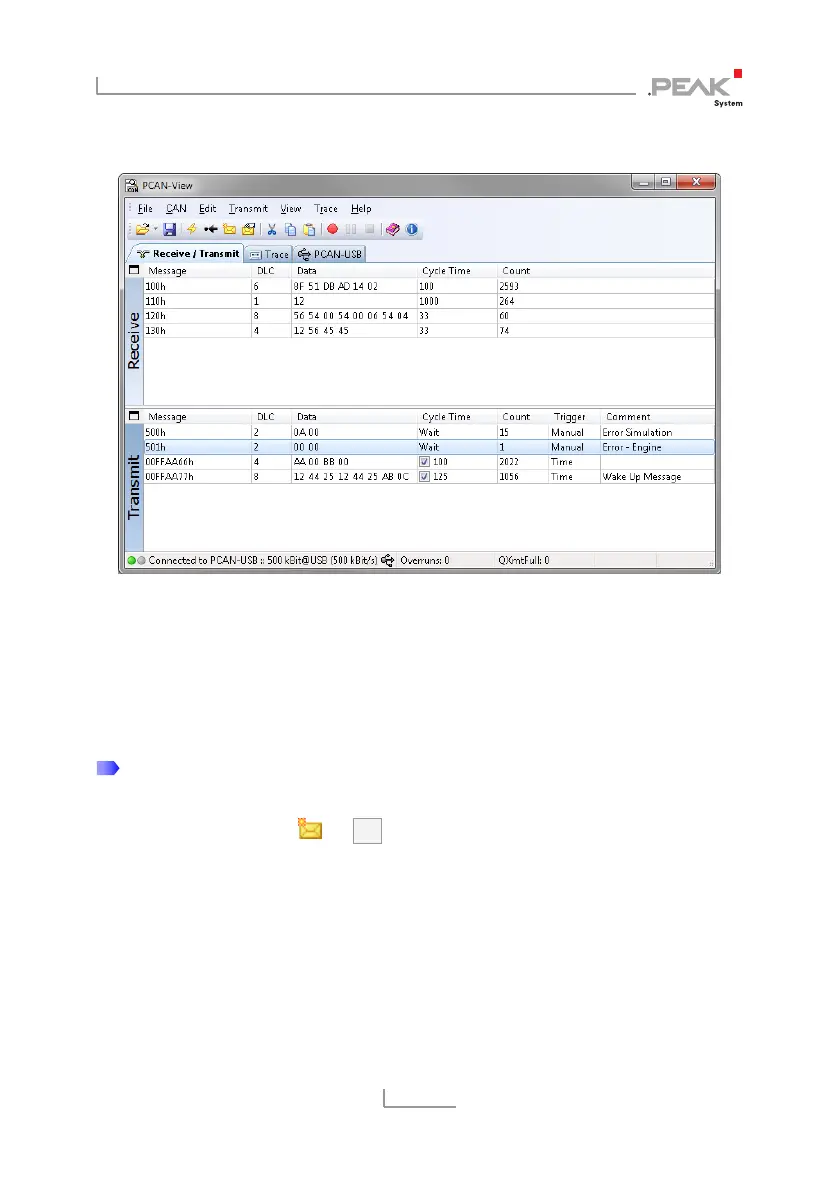
Figure 7: Receive/Transmit tab
The Receive/Transmit tab is the main element of PCAN-View. It
contains two lists, one for received messages and one for the
transmit messages. Representation of CAN data is in hexadecimal
format.
Do the following to transmit a CAN message with PCAN-View:
1. Select the menu command Transmit > New Message
(alternatively or Ins).
The dialog box New Transmit Message is shown.



 To Next Page