24. Cymometer
It is a 6-digit cymometer. The cymometer can measure frequencies from 2Hz to the full bandwidth. Only if the
measured channel has triggering signal and in Edge mode, it can measure frequency correctly. In the Single
trigger mode, it is a one channel cymometer and it can only measure the frequency of the triggering channel.
In the ALT trigger mode, it is a two channel cymometer and it can measure the frequency of two channels. The
cymometer is displayed at the right bottom of the screen.
To turn the cymometer on or off:
1. Press the Display button.
2. In the Display menu, press the H4 button to toggle between the cymometer display ON or OFF.
25. VGA Output
The VGA port could be connected to a computer monitor. The image of the oscilloscope can be clearly
displayed on the monitor.
To set the VGA Output:
1. Press the Display button.
2. n the Display menu, press the H5 button to toggle between ON or OFF.
26. How to Save and Recall a Waveform
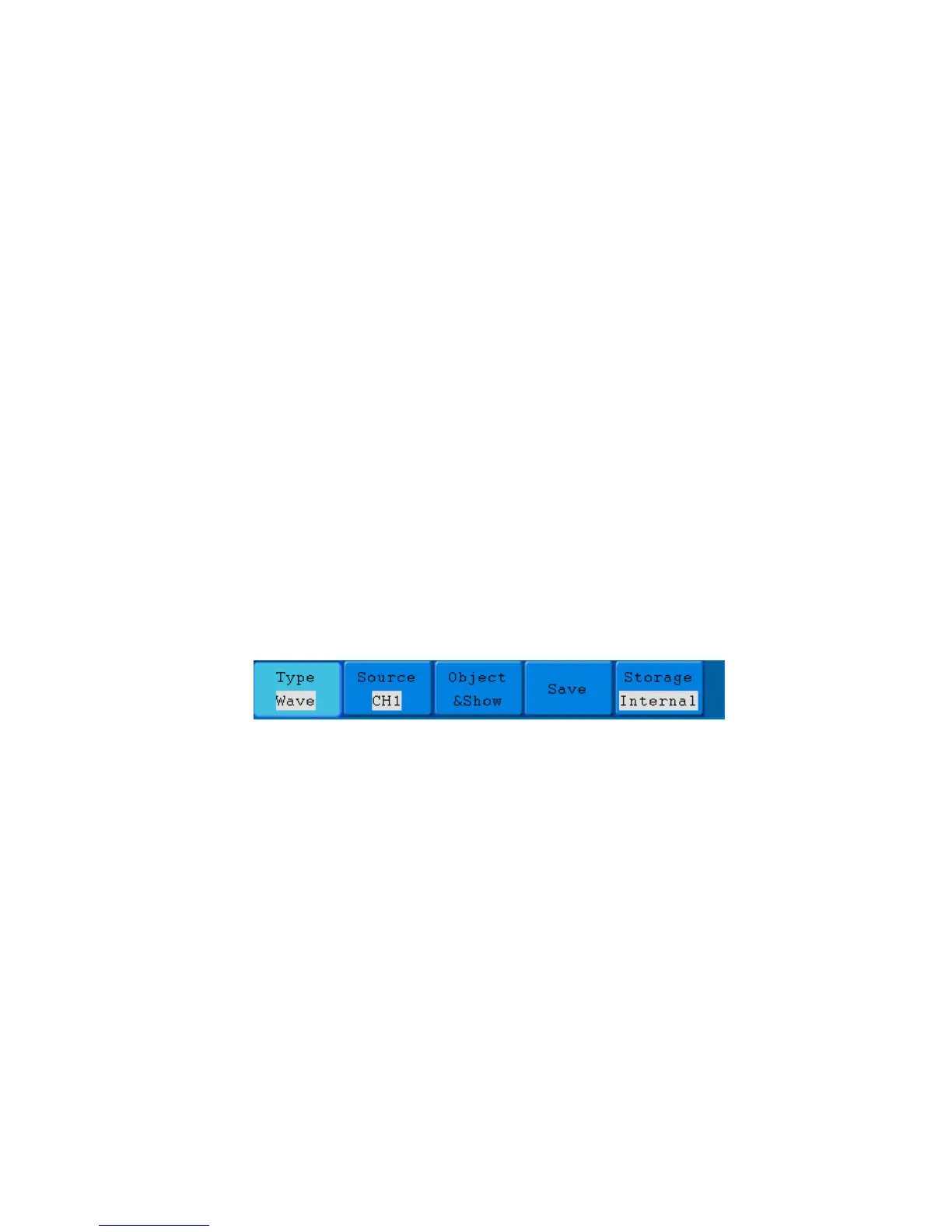
Press the Save button, you can save the waveforms and settings in the instrument. The menu displayed in the
screen is shown as Fig. 47.
Fig. 47 Waveform Save Menu
-132-



 To Next Page