Step 9-13
13. The phone screen will blink
continuously for approximately
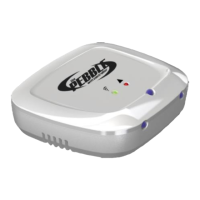
15 seconds. Do not remove the
Pebble from the phone until you
see the LEDs start to blink on the
Pebble.
11. Tap ‘Send BlinkUp’ and a
countdown will begin
12. Place the Pebble on the
phone's screen before the
countdown ends. (The Pebble
has a light sensor on the bottom
that will receive the Wi-Fi
information)


 To Next Page