Step 14
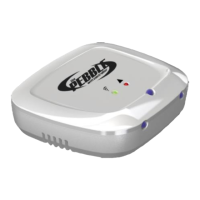
If setup is successful (After approx. 15 sec), The Wi-Fi LED on the Pebble will flash
GREEN once then RED/ORANGE a few times and then GREEN again for approximately
one minute. You can remove the Pebble from the phone and go to the next step, Page 13
If the LED stays on solid Green the unit is doing a firmware upgrade, please wait until it
starts flashing.
If Wi-Fi the LED flashes ORANGE or Red or does not light up again, then the process has
failed and will need to be repeated. Unplug the power, wait for 5 seconds and then repeat
the process from Step 6.
If the Wi-Fi LED Flashes RED this indicates the password was incorrect, please check and
try again. Hint : Turn on “Show Password” in the BlinkUp screen.
Unplug the power, wait for 30 seconds and then repeat the process from Step 6.
If you can’t BlinkUp after a few attempts try turning on the Legacy BlinkUp Mode in the
BlinkUp screen by ticking the tick box and try again
Wi-Fi LED


 To Next Page