Need help?
Do you have a question about the Peco T180 and is the answer not in the manual?
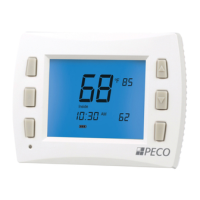
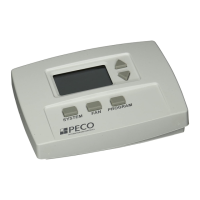
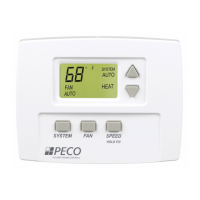
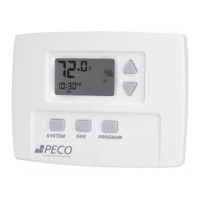
Describes the thermostat's main display screen, including its backlight.
Explains the display indicators for system modes like HEAT, COOL, AUTO, and OFF.
Explains the display feedback for programming commands such as SET, COPY, and DFLT.
Details indicators for program override commands like HOLD, HOLD HRS, HOLD DAYS, HOLD ON.
Explains selecting system modes (HEAT, COOL, AUTO, OFF, SETBACK).
Explains selecting fan modes (ON Hi, ON M, ON Lo, AUTO Hi, AUTO M, AUTO Lo).
Details setting up four daily time periods with specific heat and cool setpoints.
Guide to creating personalized time and temperature schedules for different days or groups of days.
 General
| Brand | Peco |
|---|---|
| Model | T180 |
| Category | Thermostat |
| Language | English |

 To Next Page