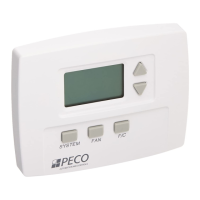
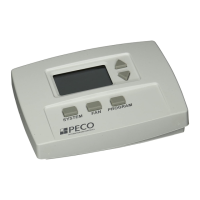
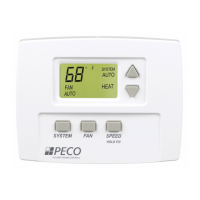
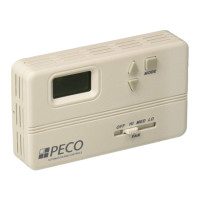
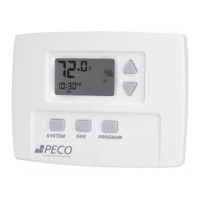
FAN BUTTON OPERATION
Pressing FAN will light up the six fan mode options described below. Press FAN to scroll through
the options. As you scroll, the current option will be blinking. To select the blinking option, wait
for the ve-second timeout, which saves your option and returns you to the thermostat’s default
display.
MENU DESCRIPTION
ON Hi High speed fan is on continuously, even if no demand for heating or cooling
exists.
ON M Medium speed fan is on continuously, even if no demand for heating or
cooling exists.
ON Lo Low speed fan is on continuously, even if no demand for heating or cooling
exists.
AUTO Hi High speed fan cycles with active demand for heating and cooling.
AUTO M Medium speed fan cycles with active demand for heating and cooling.
AUTO Lo Low speed fan cycles with active demand for heating and cooling.
PAGE 14


 To Next Page