7 of 9
ISSUED: 07-25-11 SHEET #: 090-9205-5 11-30-12
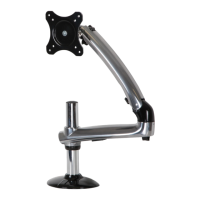
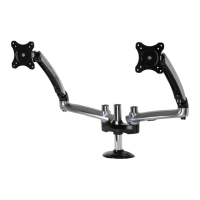
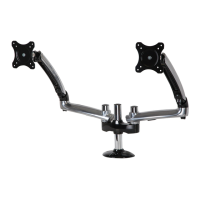
Reinstall knobs through back of arm assemblies (B) and secure into back of adapter plates. Cables may be routed
using cavity in arm assembly (B) and cable clip (K). Remove the cable cover on arm assembly (B) by pressing
fi rmly in the middle of the cable cover and then pulling the fl anges of the cable cover. Route the cables in arm
assembly (B) and then reinstall the cable cover.
8
K
KNOB
CABLE
COVER
FLANGES
B
B
B
K
CABLES



 To Next Page

