13
2016-04-21 #:220-9010-1
Power On/Off Your New TV
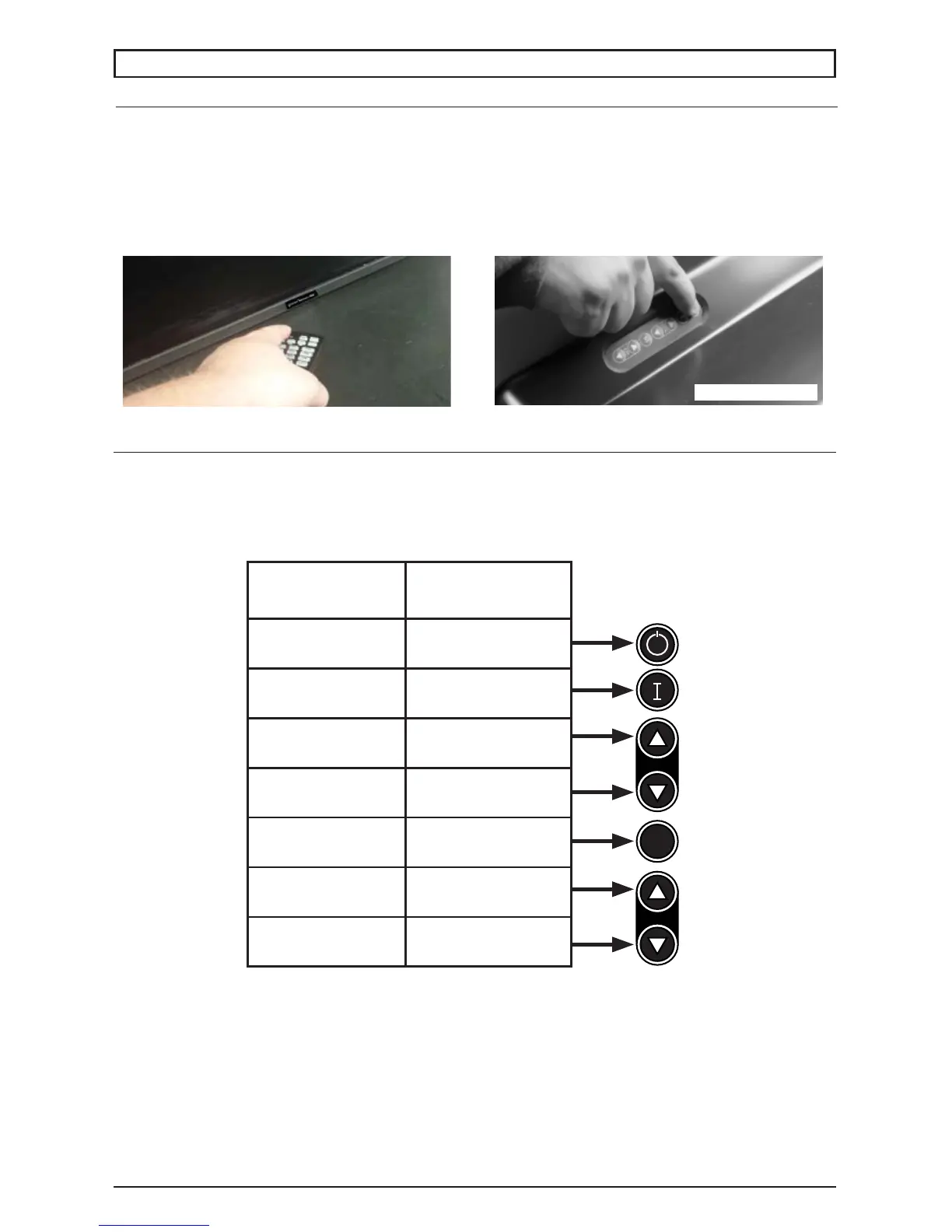
Power on your TV by using the remote control or the rear power button as shown below. The TV will
power on but image may not appear for a few seconds as it completes its power up sequence.
Remote control
Point the remote control at the IR sensor located
behind the Peerless-AV logo at the center of the
TV and press the power button
Onboard Power Button
To power on the TV, press the power button on
the back of the TV.
Rear Power Key
OPERATING INSTRUCTIONS
Onboard Controls
Direct Mode: Allows for quick access to source selection, volume settings and channel selection.
Menu Mode: Press the Menu button to access Menu Mode and activate the On Screen Display
(OSD). For a description of OSD operation refer to the next section.
The keypad buttons are assigned as indicated in the table below.
Menu Mode Direct Mode
On/Off On/Off
Auto Confi g Input Select
Right Volumn Up
Left Volumn Down
Menu Menu
Select Channel Up
- Channel Down
VOL
CH
M



 To Next Page