33
Owner’s manual
EN
• Keypad tone: turn on/off BB prompt tone.
• Volume for reversing car: when it is turned on, the speaker overlaps sound of other modes
for output under the reverse state.
• Startup default volume switch: when it is turned on, the startup volume is selected sound
value after reset. If it is turned off, there is default value.
• Navigation monitor: when it is turned on, the speaker overlaps sound of other modes
for output after navigation broadcast is run at backstage. Only the front speaker gives out
navigation sound when it is turned off.
• Bluetooth default volume switch: under the turn-on state, when Bluetooth call comes or
dialing is conducted, volume of the host is the selected volume value. There is no default value
when it is turned off.
• Bluetooth talk default volume: the volume value when Bluetooth incoming call or dialing is
selected.
• Startup default volume: select volume value at startup.
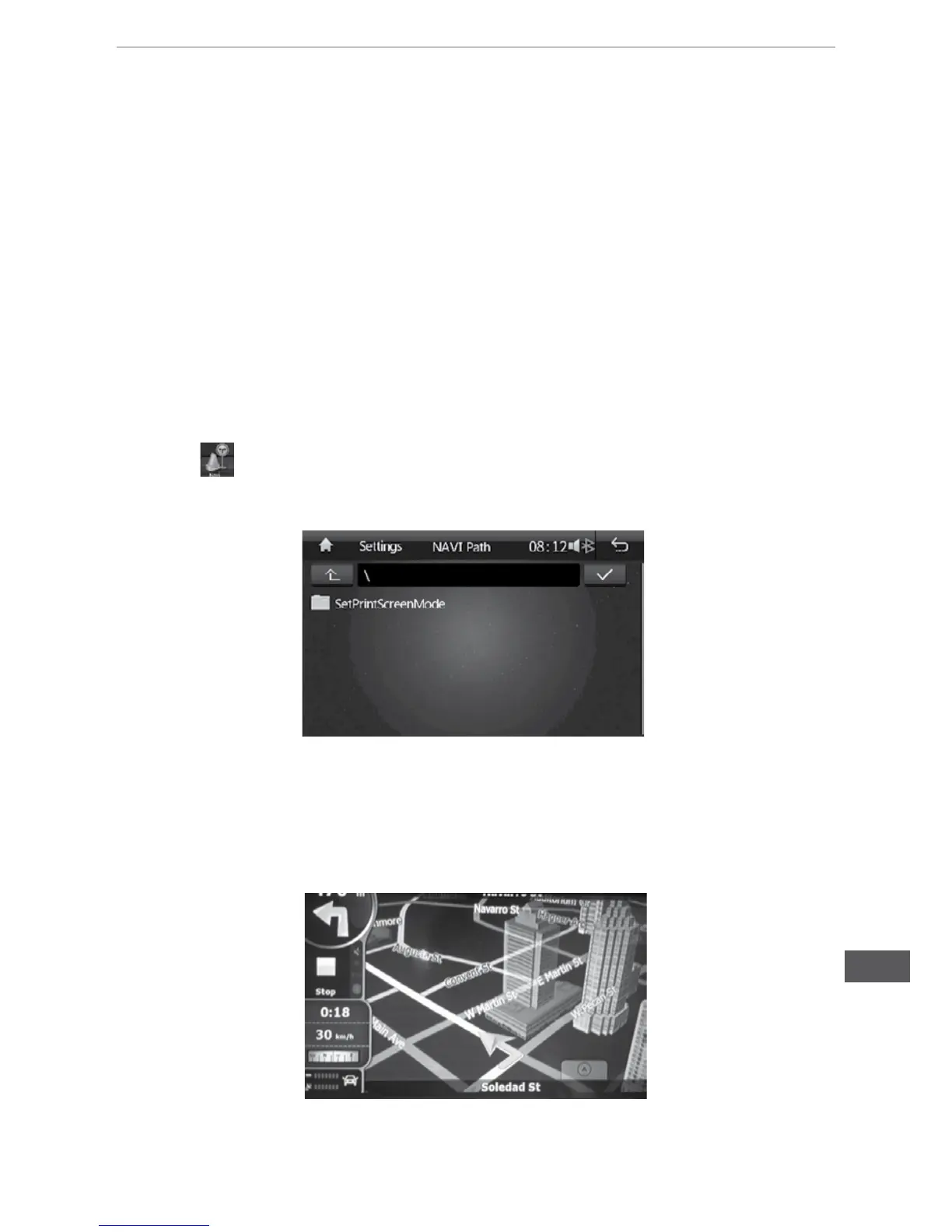
Navigation path setting
• EnsurethatGPSmapcardisinsertedintoGPScardslotrst.
• Touch
icon on the main menu to enter navigation path menu.
• SelectOKtorunprograminGPSmapcardandpressConrmbuttontocompletenavigation
path.
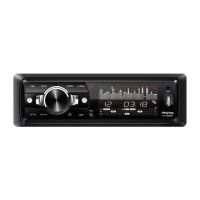
Navigation menu operation
• Ensure to press NAVI button on the main menu to enter navigation menu after the navigation
path is set.
• After loading of map card is completed, enter the navigation system to conduct path navigation.


 To Next Page