EN 21
Cleaning your oven
Clean your oven regularly to prevent grease and food particles from
building up, especially on inside and outside surfaces, door and door
seals.
• Clean outside surfaces with a soft cloth and warm soapy water.
Rinse and dry.
• Remove any splashes or stains on inside surfaces with a soapy
cloth. Rinse and dry.
• Wash the inside.
Important
• Take special care NOT to spill water in the vents.
• NEVER use abrasive products or chemical solvents.
• ALWAYS ensure that door seals are clean to prevent particles from
building up so that the door can close properly.
The Aqua clean function
Grease and grime can easily be removed from the oven walls with a
damp cloth using the Aqua clean function.
Using the Aqua clean function
Only use the cleaning program if the oven is cold. It will be even more
difficult to remove grime and grease if you use the program while the
oven is hot.
1. Remove all accessories from the oven.
2. Pour approximately 0.15 litres of water into the bottom of the empty
oven.
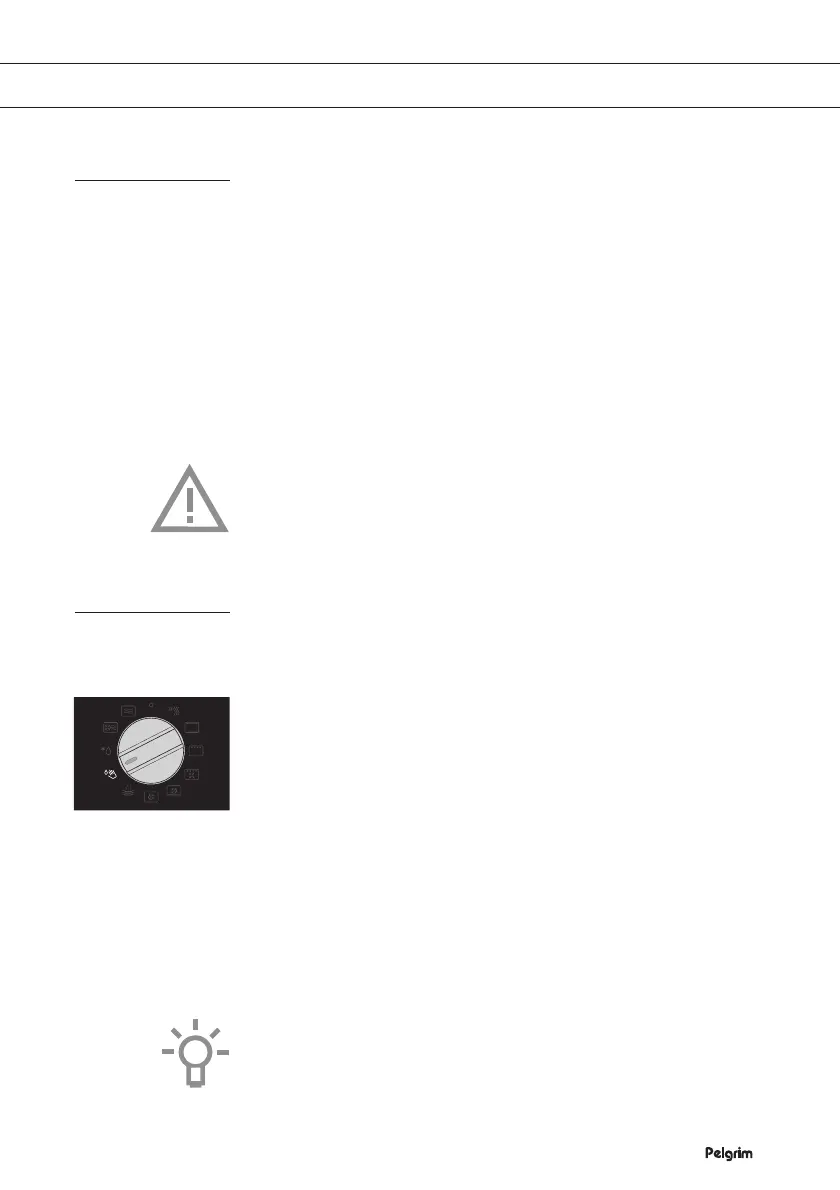
3. Turn the ‘Mode selector’ to ‘Aqua Clean’ and press the ‘Start / stop
key’.
The program takes 4 minutes.
4. Then wait ± 30 minutes. After 30 minutes, food residues on the
oven enamel walls will have softened and they will be easy to clean
with a damp cloth.
Please note: The time duration of the cleaning program cannot be
changed while the function is running. Turn the ‘Mode selector’ to the
‘0’ position to stop the cleaning program.
CLEANING
Aqua clean
function


 To Next Page