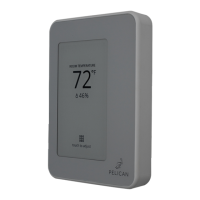
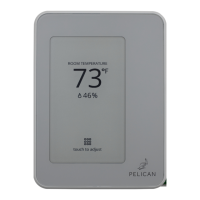
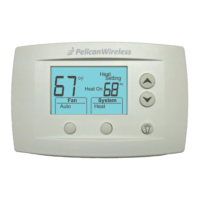
To access the configuration page, select Touch to adjust and then press the icon in
the upper right hand corner of the screen.
Under Configuration, you will see the current control setting (default configuration is
Conventional).
To change the configuration, press the change button to the right of Configuration.
Then touch Conventional, Heat Pump (O), or Heat Pump (B) and press Save at the
bottom of the screen to set the new configuration.
If you do NOT want to change the thermostat’s configuration, press Cancel at the
bottom of the screen.
Within the first 5 minutes after the thermostat was last powered On, the thermostat
will allows you to set it to Conventional or Heat Pump control. This can also be done
at anytime through the Pelican App.
19


 To Next Page