6
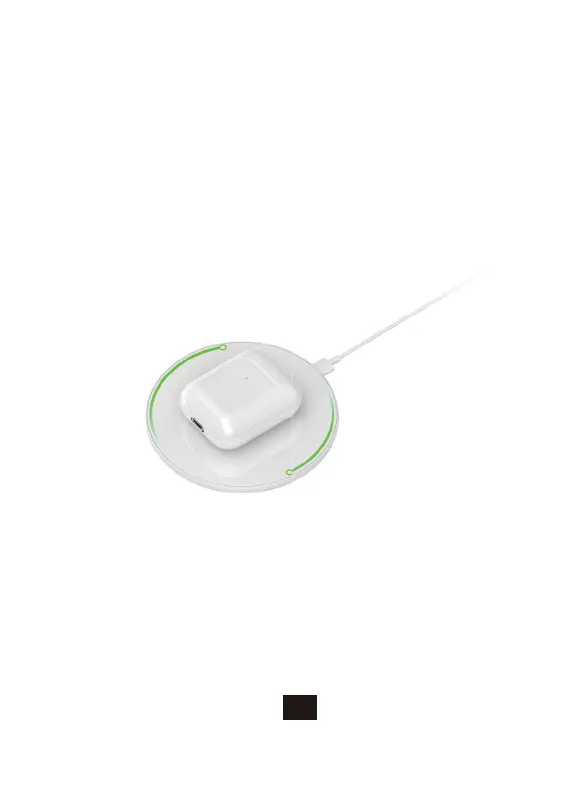
Wireless charging diagram
6. Phone call mode
5. Charging Instructions:
The Pelios Earbuds charging case can be charged using either a Qi-certified
wireless charger or with a Lightning cable. When you are charging the Earbuds
charging case itself, it will light up with an orange light for 8 seconds to denote
that it is charging. When fully charged, a green light will shine for 8 seconds on
the charging case. When the charging case is topping up the battery of your
Earbuds, it will initially light up green for 3 seconds.
When a call comes in, your Earbuds will make a brief notification sound, then list
the phone number that's currently calling.
• Double-press the left or right Earbud to answer the call
• During a call, double-press the left or right Earbud to hang up.
• Long press the left or right Earbud for 2 seconds to reject an incoming call.


 To Next Page