7
7. How to use the earphone?
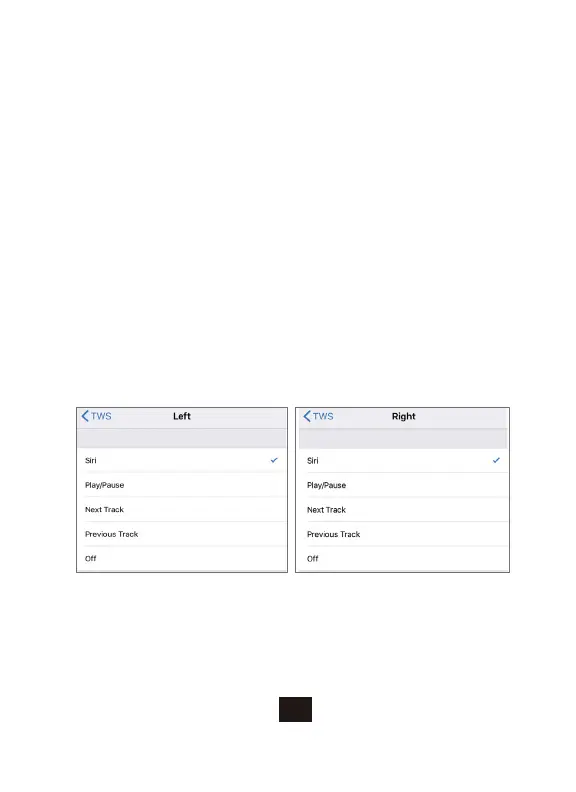
Customize the double-press functionality on your Earbuds by going to Settings,
Bluetooth, "Pelios", then click on the "i" icon on the right-hand side of the screen
to choose specific functions for both Earbuds.
7.1. Android System
*Double press : Play/Pause, Answer/Hang up
*Triple press: Left earphone to skip back, right earphone to skip forward
*Long press 3 seconds: Activate voice assistance
7.2 iOS System



 To Next Page