3
OPERATION INSTRUCTION
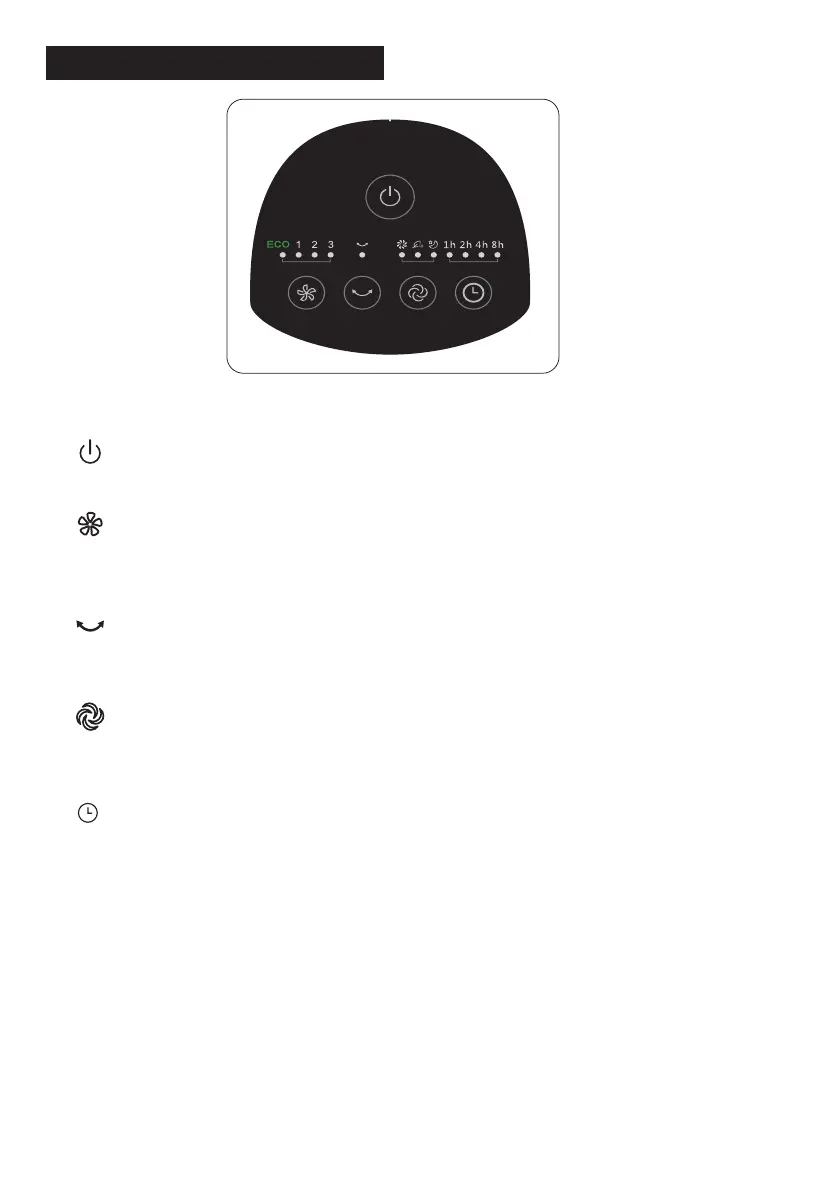
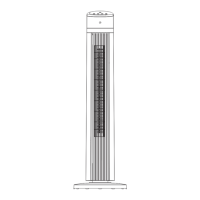
I. Control Panel (Fig.4)
1. “ ” ON/OFF KEY
Press this key to switch on/switch off the fan.
2. “ ” SPEED KEY
When the fan started, press this key repeated, the fan will work with “1-2-3” circula-
tory.
3. “ ” OSC/LOUVER KEY
After the fan has started, press this key to select oscillation mode. The lights on the
display can indicate fan oscillation mode.
4. “ ” MODE KEY
Press this key to select mode. The sequence is normal, natural, and sleep when
this key being touched repeatedly or continuously. The light indicate mode state.
5. “ ” TIMING KEY
Press this timer key repeatedly to set the time for air delivery. Increase in incre-
ments up to "1-2-3-4-5-6-7-8-9-10-11-12-13-14-15" hours.
Fig.4



 To Next Page