27
|
USING THE PELOTON COMMERCIAL ROW
USING THE PELOTON
COMMERCIAL ROW
ADJUSTING THE VOLUME
Slide the volume control up or down.
VOLUME
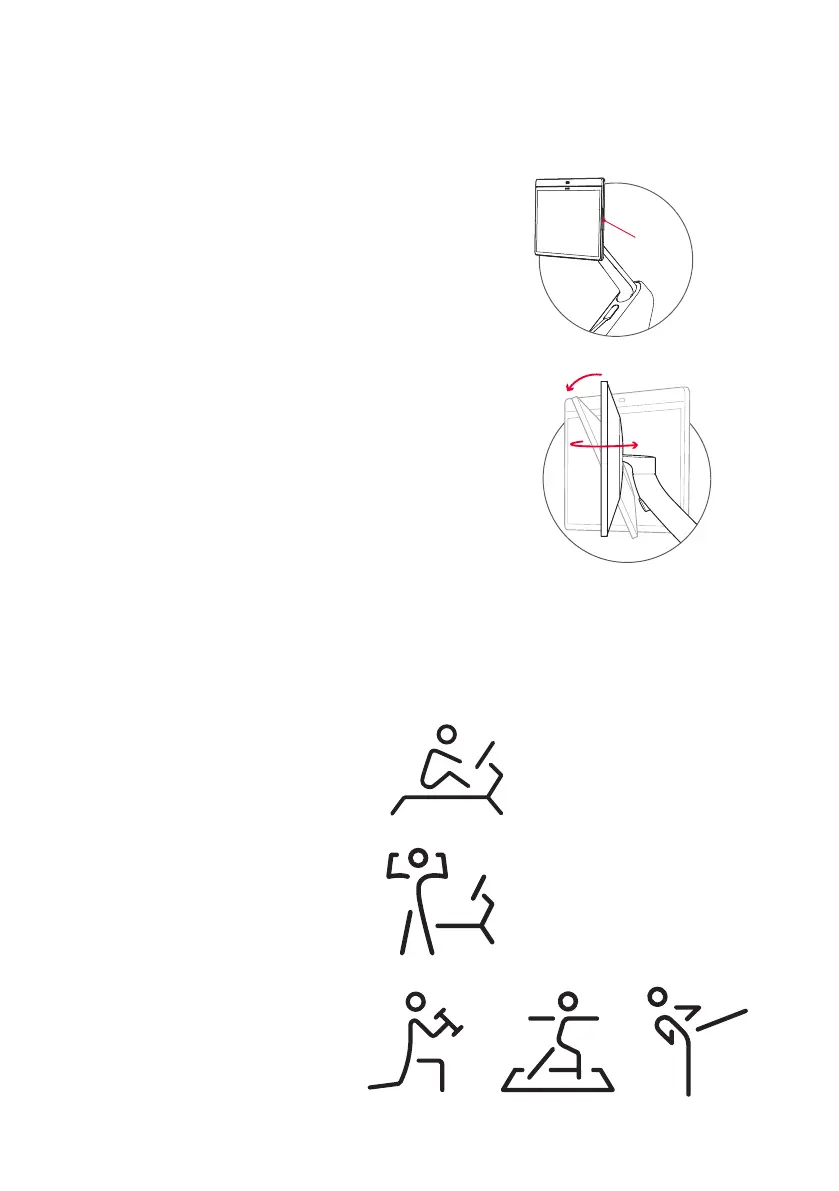
ADJUSTING YO U R M O N I TO R
Touchscreen swivels 45 degrees left and right and
25 degrees up and down.
SELECTING A CLASS
y Live and on-demand classes are available.
y Filter by instructor, class length, class type and more.
y If the workout does not include a warmup or cooldown, they are available separately.
y Select More for a Scenic Row or Just Row experience.
CLASS TYPES
Row classes
Take place only on the Row.
Bootcamp
Part of the class is on the Row and part
is off the Row.
Strength/Yoga/Cardio
Take place off the Row.


 To Next Page