Need help?
Do you have a question about the Penpower Technology WorldPenScan Series and is the answer not in the manual?
Specifies the operating system, disk space, and ports needed for the software.
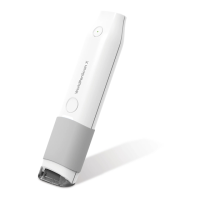
Details the physical dimensions, weight, and interface of the WorldPenScan devices.
Step-by-step guide on how to install the WorldPenScan software on your computer.
Instructions on launching the WorldPenScan software and initial setup reminders.
Guidance on connecting the pen scanner to your computer via USB or Bluetooth.
Describes the functions and layout of the software toolbar for scanning operations.
Explains how to scan text using Text Mode and images using Image Mode.
Covers using the scanner for word and sentence translations via online services.
Details scanning barcodes, invoices, checks, and other business-related documents.
Explains how to view and save scanned images for technique improvement.
Guides on configuring general, recognition, and interface settings for the scanner.
Information on accessing the user manual and support resources.
Provides details about the software version and company information.
 General
| Model | WorldPenScan Series |
|---|---|
| Type | Handheld Scanner |
| Connectivity | USB |
| OCR | Yes |
| Optical Resolution | 400 dpi |
| Compatibility | Windows, macOS |
| Supported Languages | Multiple (English, Chinese, Japanese, Korean, etc.) |

 To Next Page