Need help?
Do you have a question about the Penpower Technology WorldPenScan X and is the answer not in the manual?
Outlines usage rights, restrictions, intellectual property, and business user policies.
Details compliance with FCC Part 15 rules and operational cautions for the device.
States compliance with EU Directive and Industry Canada standards, including operational conditions.
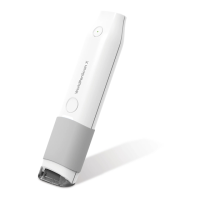
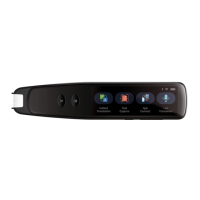
Lists system requirements and details hardware specifications for WorldPenScan models.
Explains the functions of the toolbar buttons for language recognition, modes, dictionary, and tools.
Guides users on scanning text directly into a word processor using Text Mode.
Guides users on scanning text or images into a computer in image formats.
Explains how to use Dictionary and Sentence Translation for online word and sentence translation.
Details how to use Business Mode for scanning barcodes, MICR, and OCR A/B fonts.
Allows configuration of button definition, handedness, and scan direction.
Allows selection and management of recognition languages and character options.
Displays pen status, firmware version, and USB/Bluetooth connection information.
 General
| Type | Handheld Scanner |
|---|---|
| Compatibility | Windows, macOS, iOS, Android |
| Connectivity | USB, Bluetooth |
| OCR Languages | Multiple languages including English, Chinese, Japanese, Korean, etc. |
| Power Source | Rechargeable Lithium Battery |


 To Next Page