65
Compool/EasyTouch Pool and Spa Control System Upgrade Installation and User’s Guide
Section 4
Compool/EasyTouch Upgrade Kit Installation
This section describes how to install the Compool/EasyTouch control panel upgrade kit into a Compool load
center or power center. For Compool CP3xxx models complete upgrade list, see page 66 and 67. Compool
models TimeMaster, CP/LX100, CP1000, CP2000, CP3000 can also be upgraded to an EasyTouch system.
• To upgrade a Compool control panel in a power center (without sub-panel), only requires the
replacement of the Compool control panel with the EasyTouch control panel (See page 68).
• To upgrade the Compool/EasyTouch control panel in a Compool load center (with breaker sub-panel),
requires removal and reinstallation of the existing transformer.
Note: To upgrade Compool TimeMaster,
CP/LX100, CP1000, CP2000 models requires Compool/EasyTouch control panel upgrade kit with
transformer P/N 521247). Otherwise CP3xxx systems require
P/N 521107.
Compool/EasyTouch Upgrade Kit for:
• Compool CP-3xxx series (not CP3830)
• LX100 control systems
• CP100 control systems
• CP1000, CP2000, and CP3000 systems
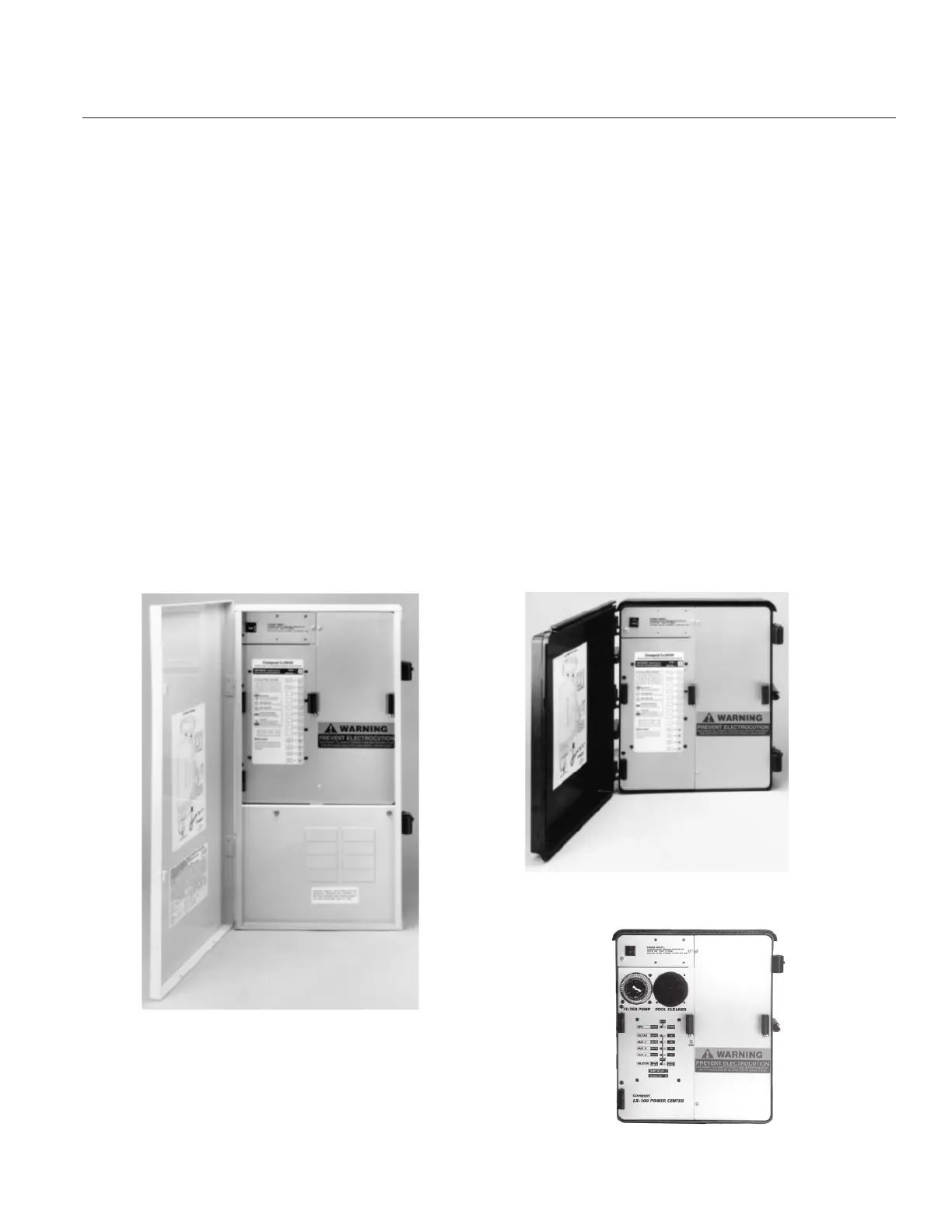
Compool 3xxx Load Center
(with breaker sub-panel)
Compool 3xxx Power Center
(without breaker sub-panel)
Compool LX100 Power Center



 To Next Page