51
• Position the slave unit(s) so that the slave
sensor can receive the flash fired by the
camera's built-in flash or attached flash unit.
• The AF360FGZ will fire at the same time that
the camera’s flash fires.
• The distance between the camera's built-in
flash or attached flash unit and the AF360FGZ
slave unit's slave sensor can be up to 4 m
when both flash units face each other directly.
• The slave unit will turn off automatically after
about 1 hour of non-operation.
• Do not use red-eye reduction with the
camera’s flash. This will result in the
AF360FGZ firing by the pre-flash. For the same
reason, set the camera to manual focus when
firing the flash continuously so that the AF
spotbeam does not operate with cameras that
have AF spotbeam functions.
50
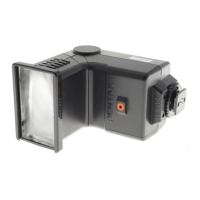
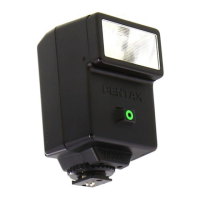
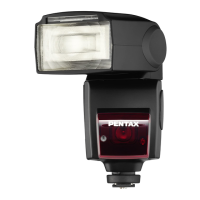
The AF360FGZ can be used as a wireless slave
unit whose flash is triggered by the camera's flash
(either built-in or an external flash unit attached to
the camera). A slave unit can be placed in various
locations to obtain the desired flash effects.
• When set as a slave unit, the flash unit is used
in the auto flash [A] or manual flash [M] mode.
• Set the wireless slave mode setting to
SLAVE2. (Page 49 for Wireless slave mode
settings)
■ Procedure
Set the flash unit's power switch to
[WIRELESS].
Set the wireless mode switch to slave [S].
Press the flash mode button [MODE] to set the
auto [A] or manual [M] mode.
Set the flash zoom position to suit the subject
and place the flash unit at the desired location.
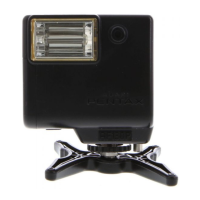
• To prevent accidental short-circuiting of the
flash unit's hot shoe contacts, attach the Off-
Camera Shoe Grip or Off-Camera Shoe Clip
CL-10 when using the flash unit as a slave
unit.
Check that the ready lamp is lit on the camera's
built-in flash or attached flash unit and the
slave unit, then take the picture.
• When recharging is complete, the lamp will
blink.
SLAVE [IN THE MANUAL FLASH MODE]
1
4
5
2
3



 To Next Page