54
4
Taking Pictures
Available in E F F H G G
In E (Pet mode), you can select the appropriate pet color from white,
black and in between according to your pet's coat or fur color.
1 Press the four-way controller (3) in A mode.
The Capture Mode Palette appears.
2 Use the four-way controller (2345) to select E (Pet).
3 Press the 4 button.
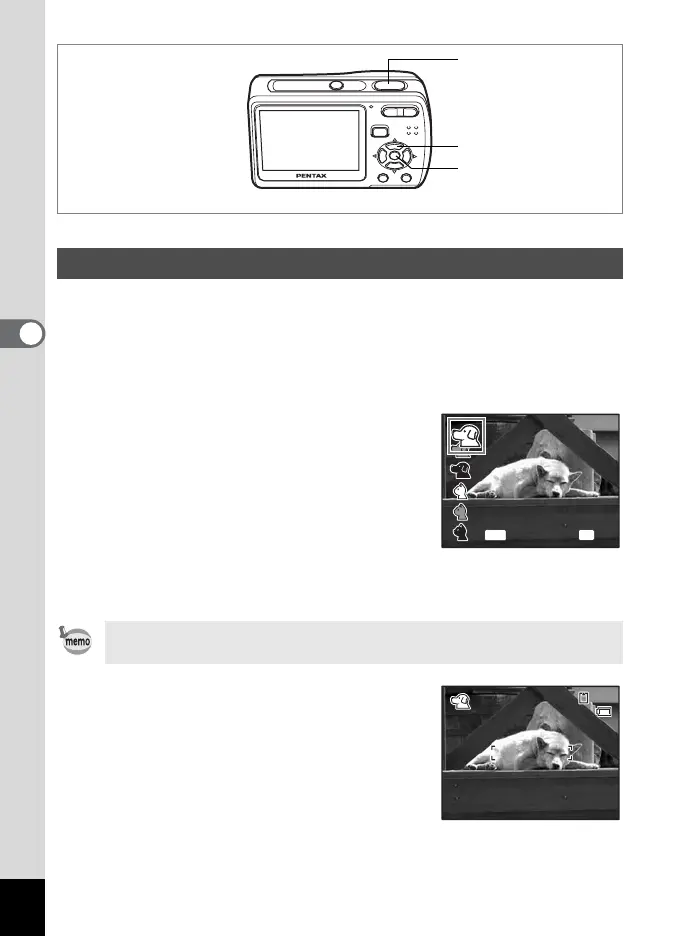
The Pet mode selection screen appears. To
take pictures with the Pet mode already
selected, press the 3 button and go on
to Step 6.
4 Use the four-way controller (23)
to select E, F, F, H, G or G.
There are two types of icons: a cat and dog
icon. (Choosing either the cat or dog icon does not affect the resulting
picture. Choose whichever you prefer.)
5 Press the 4 button.
The Pet mode is selected and the camera
returns to capture status.
6 Press the shutter release button
halfway.
The focus frame on the LCD monitor turns
green if the subject is in focus.
7 Press the shutter release button fully.
The picture is taken.
Taking Pictures of Your Pet (Pet Mode)
Press the Q to save the selected settings, and switch to Q mode
(Playback mode).
1, 2, 4
3, 5
6, 7
OK
OK
OK
MENU
Cancel
02/02/2008
38
38
14:25
14:25



 To Next Page