11
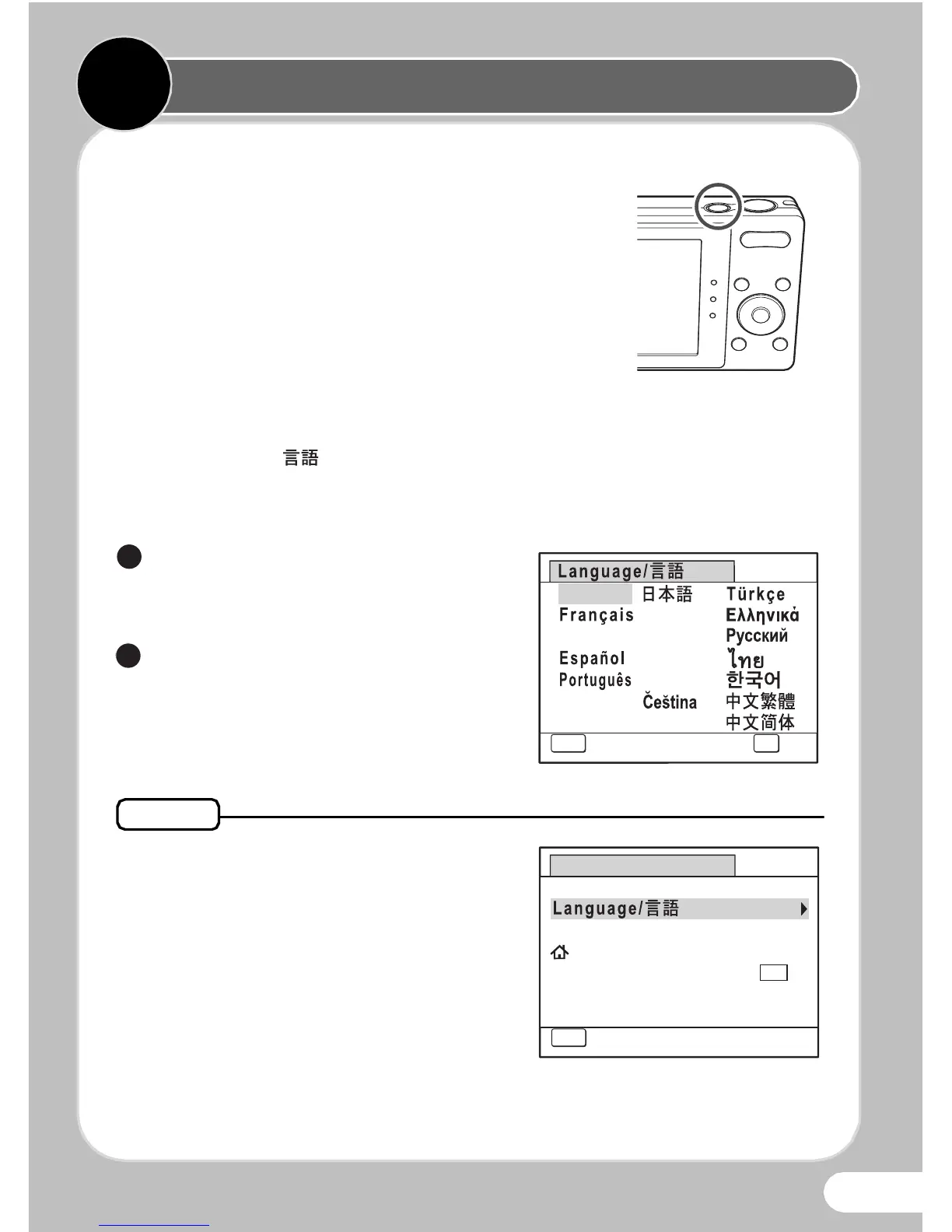
Press the Power Switch
The camera turns on and is ready to take still
pictures. Press the power switch again to turn
the camera off.
Make the Initial Settings
The [Language/ ] screen appears when the camera is turned on
for the first time. Select the desired language and then set the date
and time.
Use the four-way controller
(2345) to select the desired
language.
Press the 4 button.
The [Initial Setting] screen
appears.
If you accidentally select the wrong
language and press the 4 button,
press the four-way controller (5),
use the four-way controller (2345)
to select the language, and then press
the 4 button. The [Initial Setting]
screen appears in the selected
language.



 To Next Page