14
Formatting an SD Memory Card
Use this camera to format (initialize) an SD Memory Card that is
unused or has been used on another camera or digital device.
Be aware that formatting will delete all the data stored in the
SD Memory Card.
Press the 3 button and use the four-way controller (45) to
display [W Setting] menu.
Use the four-way controller (23) to select [Format], and then
press the four-way controller (5).
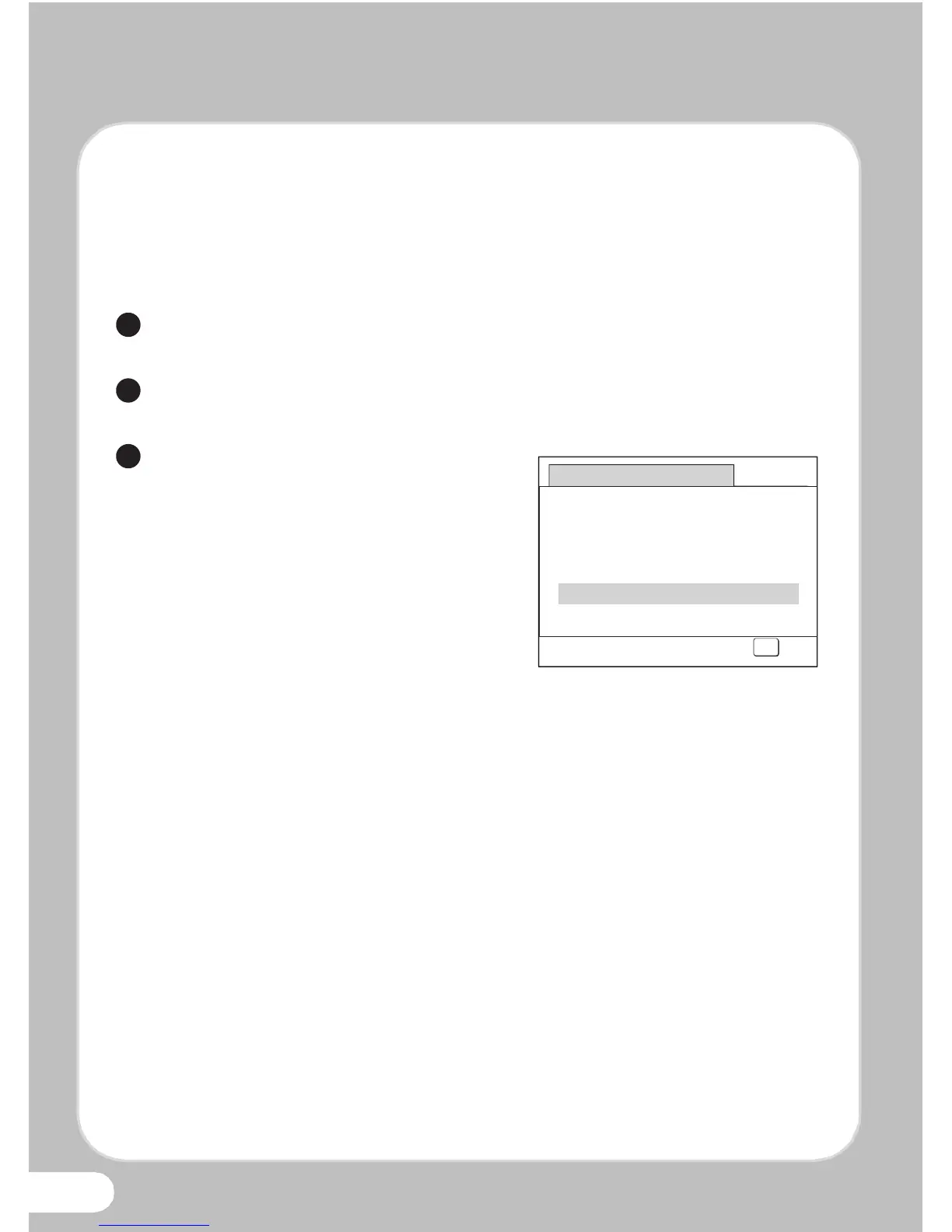
Use the four-way controller (23)
to select [Format], and then press
the 4 button.



 To Next Page