17
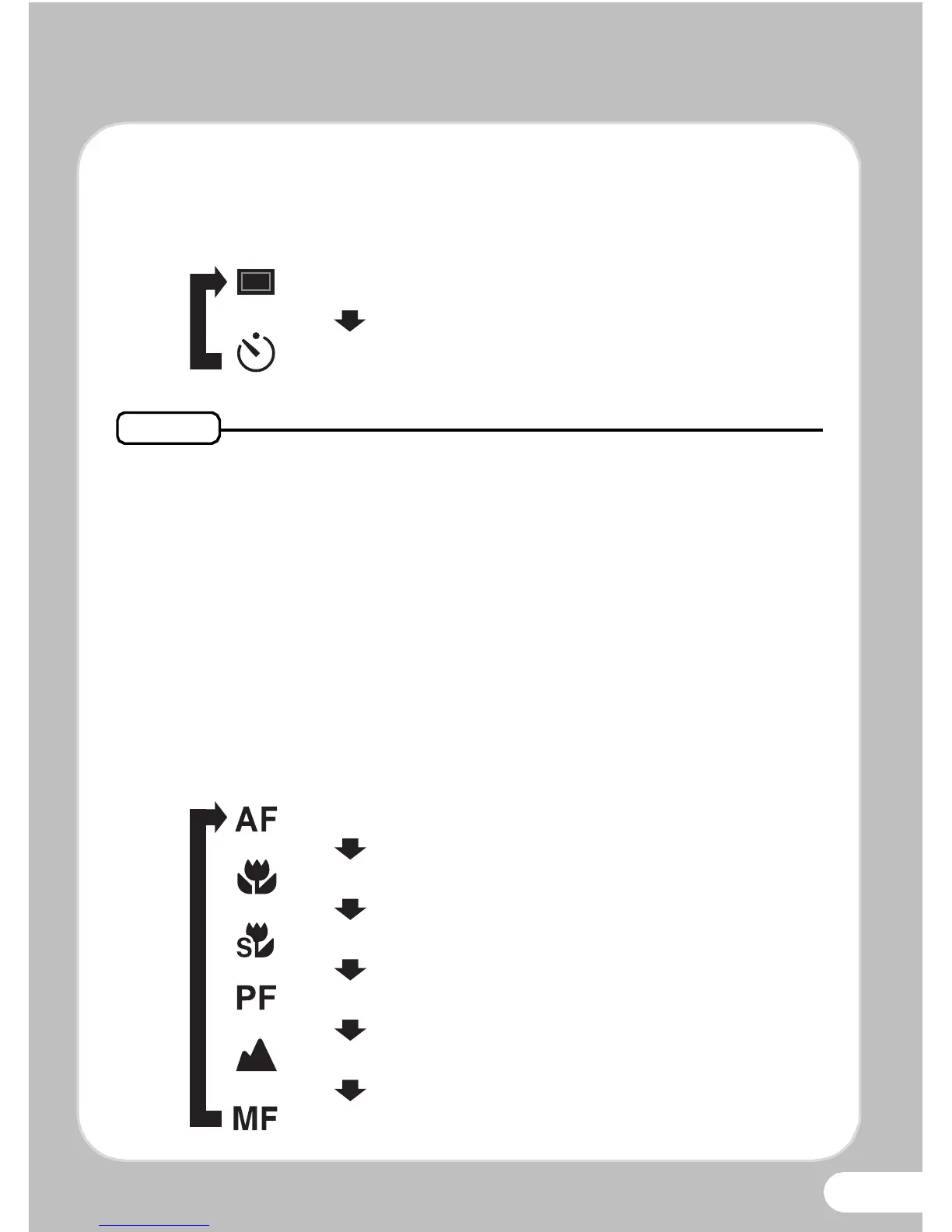
Selecting the Drive Mode
Each time you press the four-way controller (2), the drive mode
switches between the following modes.
• You can select j (Continuous Shooting) or K (Burst Shooting)
depending on the shooting mode.
• You can select Z (2 sec. Self-timer) by pressing the four-way
controller (3) and then (5) after selecting g (10 sec. Self-timer).
•In 9 (Green), b (Auto Picture), A (Night Scene), d (Movie), S
(Fireworks), N (Frame Composite), X (Digital Wide) or F
(Digital Panorama) mode, j and K cannot be selected.
Selecting the Focus Mode
Each time you press the four-way controller (5), the focus mode
switches between the following modes.



 To Next Page