20
Deleting Images
Deleting a Single Image
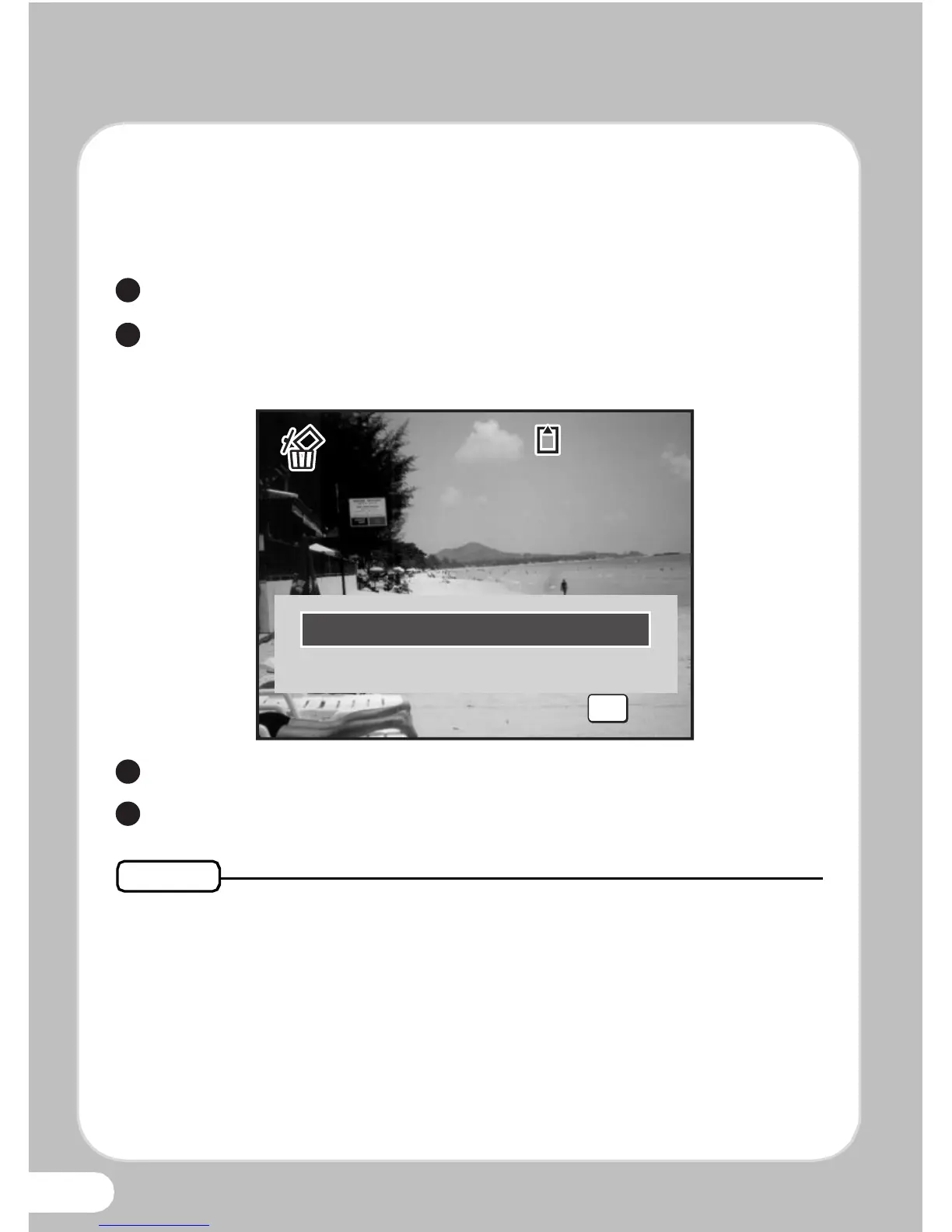
You can delete a single image currently displayed on the display.
Playback the image you want to delete.
Press the i button.
The confirmation screen appears.
Use the four-way controller (23) to select [Delete].
Press the 4 button.
• You can delete several images selected from the four-/nine-image
display.
• You can delete all images at once.
• You can protect stored images from being accidentally deleted.



 To Next Page