210
8
Connecting to a Computer
5
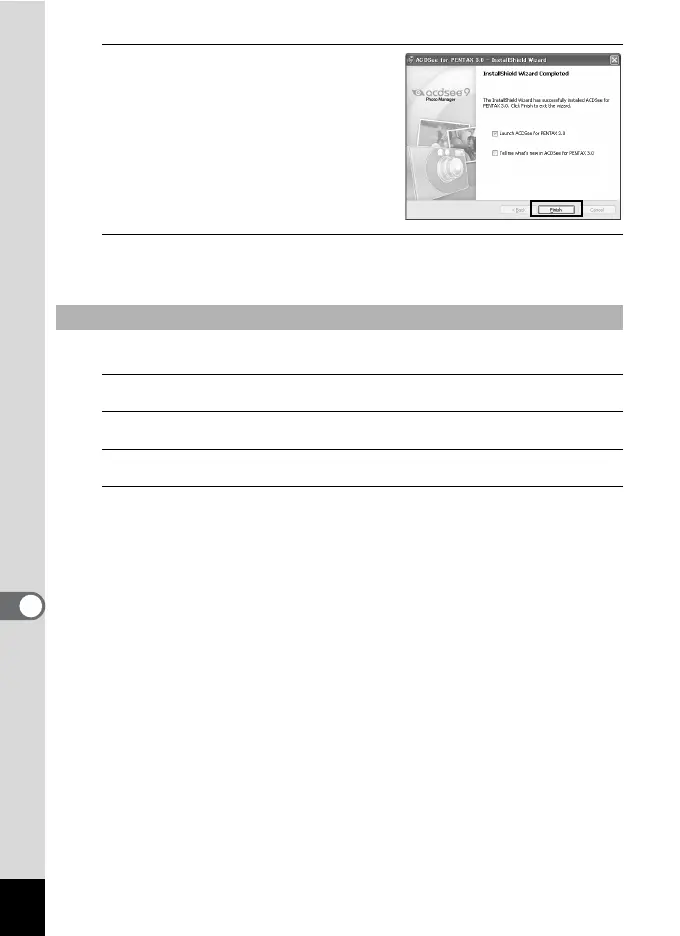
Click [Finish].
“ACDSee for PENTAX 3.0” installation
is complete.
6
Click [Exit] on the installation screen.
The window closes.
Install the image viewing/managing software (ACDSee 2 for Mac).
1
Turn your Macintosh on.
2
Insert the CD-ROM (S-SW87) into the CD-ROM drive.
3
Double-click the CD-ROM (S-SW87) icon.
4
Double-click the [ACDSee Install] icon.
The language selection screen appears.
If the [Master Installer] icon appears, double-click it to display the
language selection screen.
Macintosh



 To Next Page