113
6
Playback/Deleting/Editing
5 Use the four-way controller (23)
to choose a digital filter.
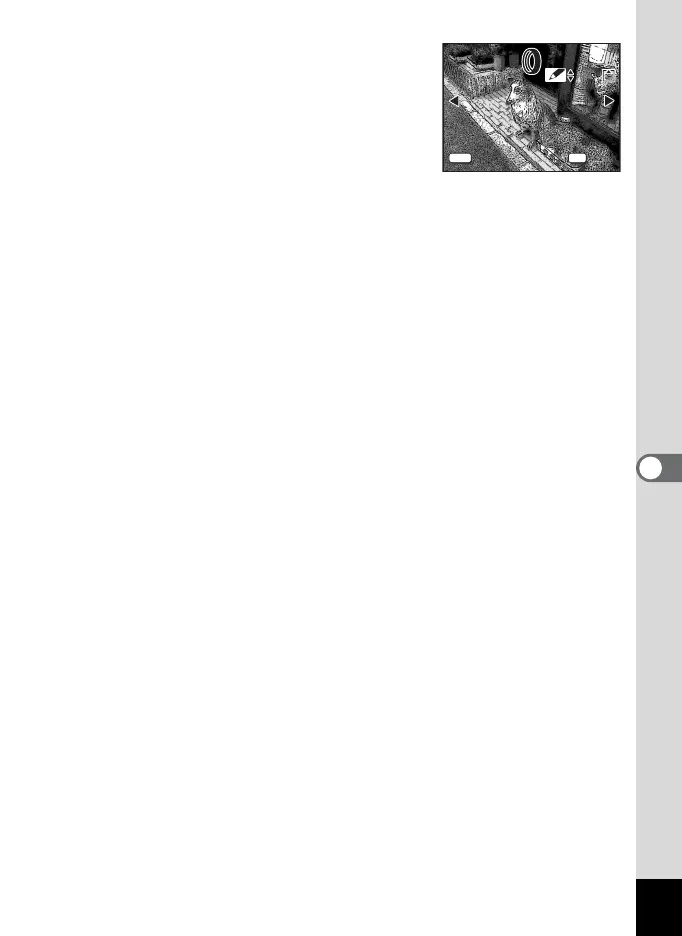
The filter effect is created and the image
appears on the LCD monitor. The example
shows an image with illustration filter 1
effect.
6 Press the OK button.
7 Use the four-way controller (23) to select [Overwrite]
or [Save as].
8 Press the OK button.
The image is saved with the digital filter effect.
100-0003
100-0003
MENU
OK
OK
OK
Exit
Exit
11











 To Next Page