64
Taking Pictures
4
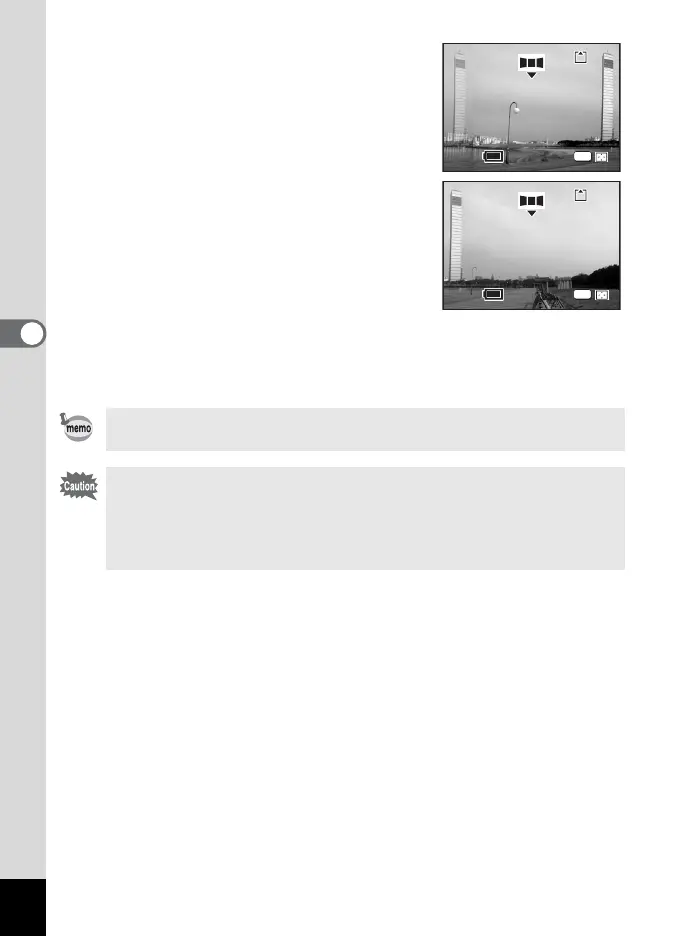
6 Take the first image.
Press the shutter release button to take the
first image. The right edge of the image
appears in semi-transparent form on the left
of the LCD monitor.
7 Move the camera to the right and
take the second image.
Move the camera until the semi-transparent
image and the actual view overlap and
press the shutter release button. Repeat
Steps 6 and 7 to take the third and
subsequent images.
8 Press the OK button.
The screen returns to Step 5.
To cancel Panorama Assist mode, change to another mode.
• The camera cannot join the images. Use the ACD Photostitcher
function provided in the ACDSee for PENTAX software. Refer to
“Photosticher Function” (p.23) in the “ACDSee for PENTAX User
Guide” for instructions on creating panorama pictures.
• Continuous shooting is not possible in Panorama Assist.
11
11
OK
10
10
OK











 To Next Page