21
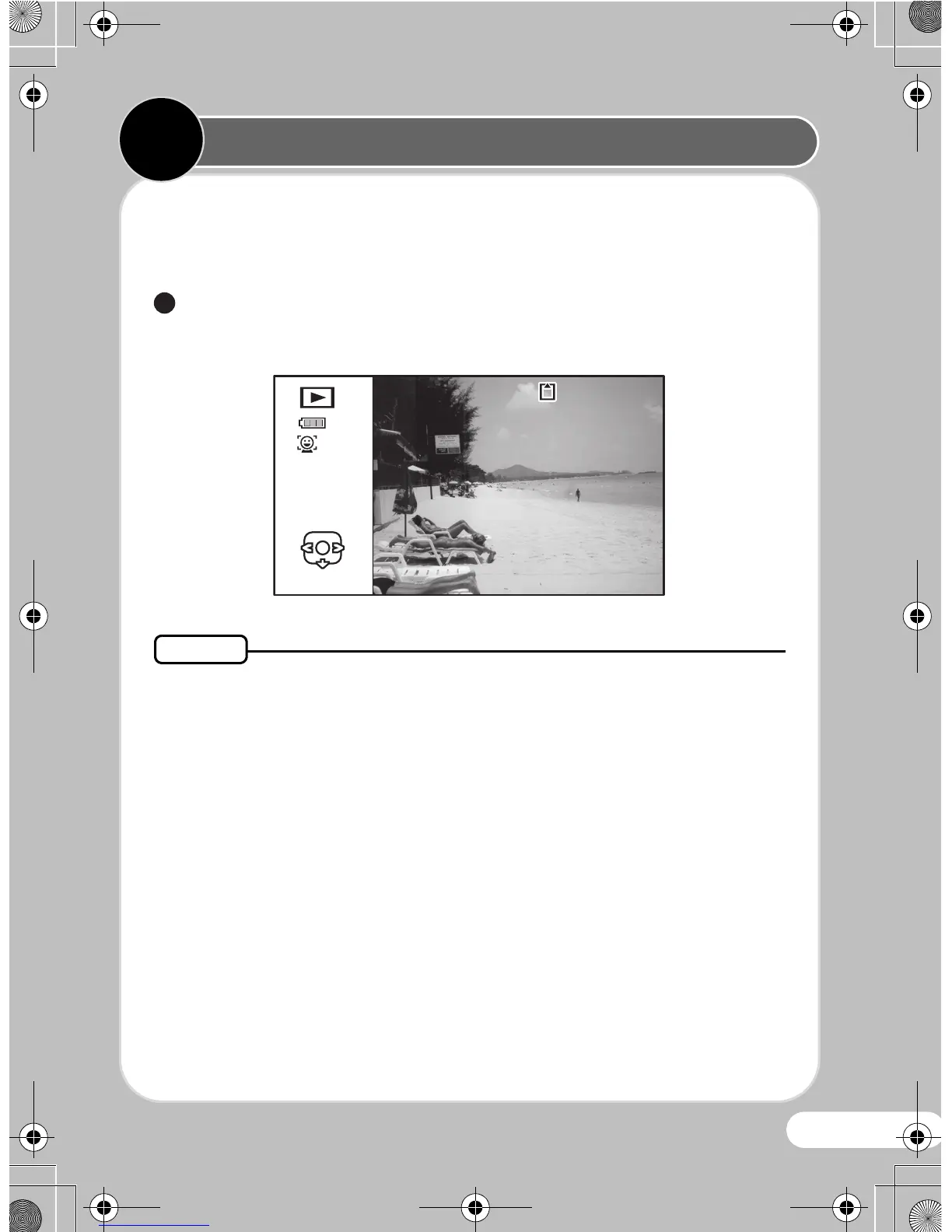
You can play back the images taken on the display.
zPlaying Back Images
Press the Q button after taking a picture.
The image appears on the display.
• To play back the previous or next image, press the four-way
controller (45).
• Pressing f on the f/y button simultaneously displays 6
thumbnail images. Pressing f again in 6-image display switches
to 12-image display. Pressing f yet again switches to folder or
calendar display.
1
100



 To Next Page
 Loading...








