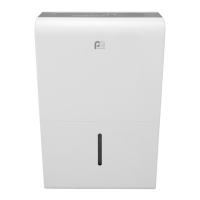
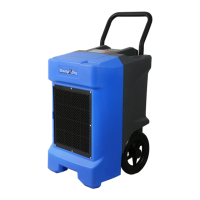
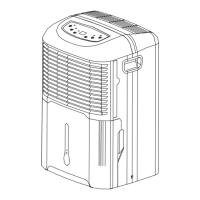
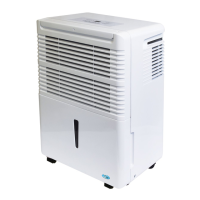
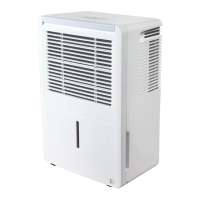
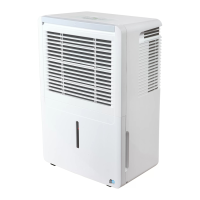
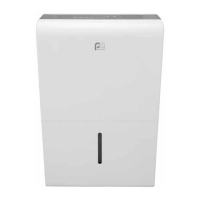
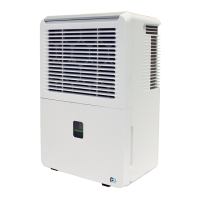
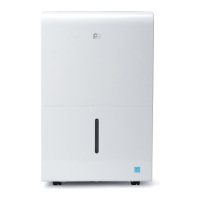
This document serves as the owner's manual for Perfect Aire dehumidifiers, covering models 2PFD22, 2PFD35, 2PFD50, and 2PFDP50. It provides comprehensive instructions for safe operation, identification of parts, usage, maintenance, and troubleshooting.
Function Description
The Perfect Aire dehumidifier is designed for indoor residential use to remove excess moisture from the air, creating a more comfortable and healthier environment. It operates by drawing in humid air, passing it over evaporator coils to condense the moisture, and then releasing drier air back into the room. The collected water is stored in a removable bucket or can be continuously drained. The unit is equipped with various features to optimize its performance, including humidity control, fan speed adjustment, and an auto-defrost function to prevent ice buildup on the coils. It is suitable for operation in environments with temperatures between 5°C (41°F) and 32°C (90°F) and relative humidity between 30% and 80%.
Usage Features
The dehumidifier offers several user-friendly features for effective moisture removal:
-
Control Panel: The unit features a control panel with buttons for various functions, though specific buttons may vary by model. Common controls include:
- POWER Button: Turns the dehumidifier on and off.
- COMFORT Button: Activates a dehumidification setting that automatically maintains the room's humidity level between 45% and 55% relative humidity. In this mode, manual humidity level adjustments are deactivated.
- FILTER Button: Serves as a clean filter indicator, illuminating after 250 hours of fan motor operation to remind the user to clean the air filter. Holding this button resets the timer.
- CONTINUE Button: Initiates continuous dehumidifying operation, where the unit runs without being controlled by a specific humidity setting. The humidity setting cannot be adjusted in this mode. Pressing the CONT. button again cancels continuous mode.
- TURBO Button: Toggles between normal and high (Turbo) fan speeds for faster moisture removal. A green light indicates Turbo mode is active.
- TIMER Button: Allows setting an auto-start or auto-stop time for the dehumidifier. The timer can be set in 0.5-hour increments up to 10 hours, and then in 1-hour increments from 10 to 24 hours. The control panel will count down the time remaining.
- Humidity Set Control Buttons (Left/Right): Used to manually set the desired humidity level between 35% RH and 85% RH in 5% increments.
- PUMP Button (on some models): Activates the pump operation for continuous draining when the bucket is full, provided the pump drain hose is correctly installed.
-
LED Display: The LED display shows the current relative humidity level, auto start/stop settings during timer function setup, and the desired humidity level setting.
-
Auto Shut Off: The unit automatically turns off when the water bucket is full, removed, or not properly replaced. The compressor also shuts off when the desired humidity level is reached, with the fan continuing to operate for an additional 3 minutes.
-
Auto-Restart: In case of a power interruption, the dehumidifier will automatically restart with its previous function settings once power is restored.
-
Auto Defrost: When frost or ice builds up on the evaporator coils, the unit automatically enters auto-defrost mode. The compressor cycles off, and the fan continues to run until the frost disappears. The Auto Defrost indicator light illuminates during this operation.
-
Water Removal Options:
- Using the Bucket: The collected water is stored in a removable bucket. When the bucket is full, the "Full" indicator light illuminates, and the unit may beep and display "P2" on the LED. The bucket can be carefully pulled out using its handles, emptied, and then securely replaced.
- Continuous Draining: For extended operation without emptying the bucket, a drain hose (not included) can be attached to the continuous drain outlet at the back of the unit. The hose should be angled downwards to allow gravity drainage into a floor drain or suitable facility.
- Pump Draining (on some models): Certain models include a pump feature for automatic water removal. A supplied pump drain hose (1/4'' diameter) connects to the pump drain outlet. When activated via the PUMP button, the pump will automatically empty the bucket when full, directing water to a floor drain or drainage facility. This feature should not be used when outdoor temperatures are at or below 0°C (32°F) to prevent freezing.
Maintenance Features
Regular maintenance ensures optimal performance and longevity of the dehumidifier:



 To Next Page

 General