EasyManua.ls Logo

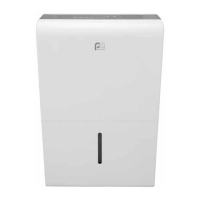
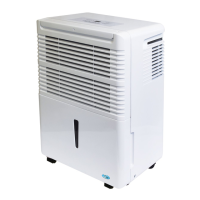
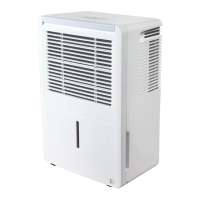
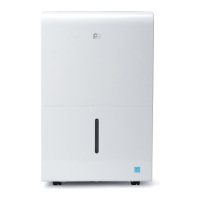
Perfect Aire 3PAD30 - User Manual

Perfect Aire 3PAD30
16 pages
Print Icon
To Next Page IconTo Next Page
Loading...
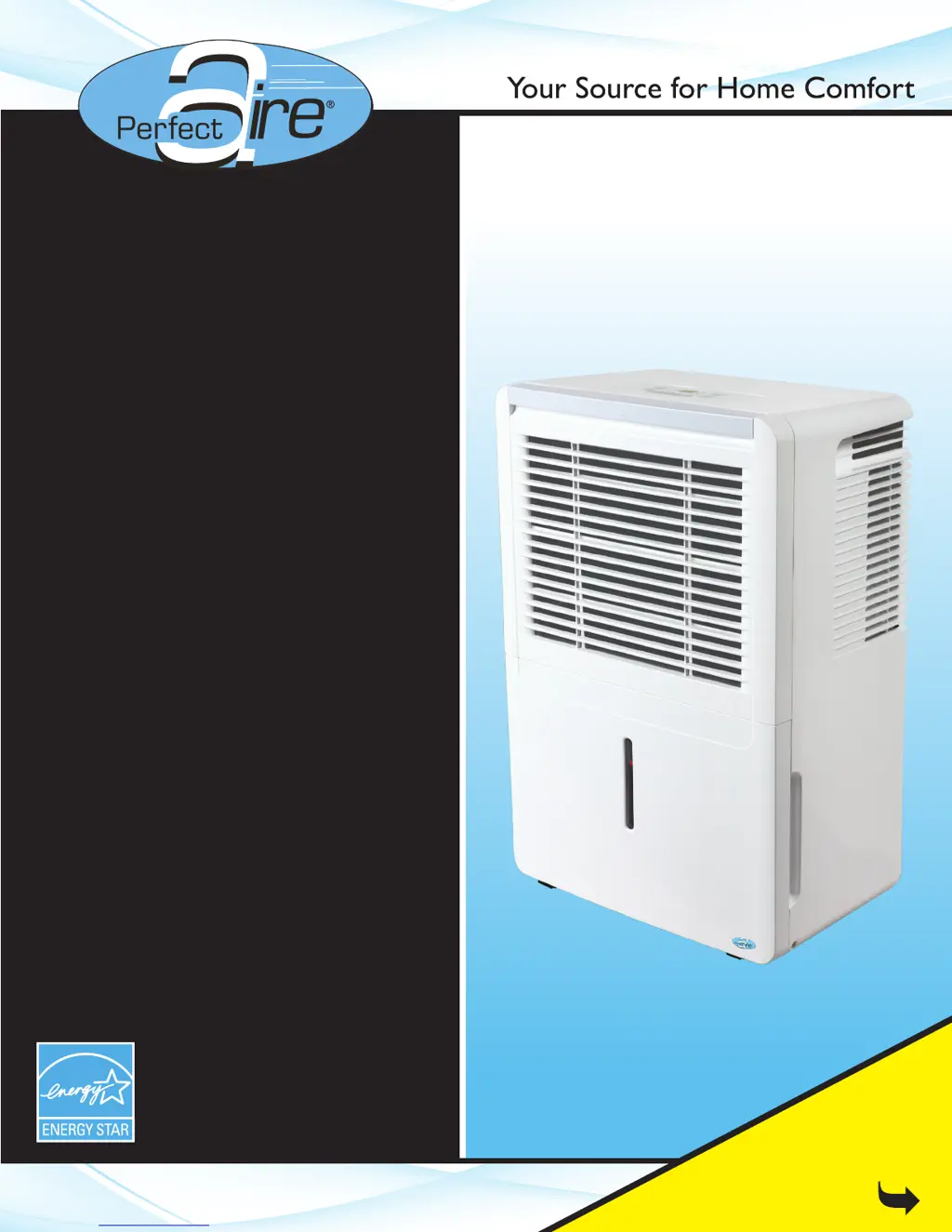
30, 50 & 70 PINT
Before using your dehumidifier,
please read this manual carefully
and keep it for future reference,
along with your receipt.
FOR MODELS:
3PAD30
3PAD50
3PAD70
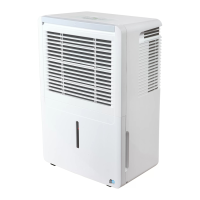
DEHUMIDIFIER
USER MANUAL
Be sure to read the
Quick Start Tips
on Page 1

Questions and Answers

Summary

Quick Start Tips

Upright Unit Positioning

Ensures the dehumidifier is kept upright for proper operation and storage.

Initial 24-Hour Operation

Operate the unit in 'Continuous' mode for the first 24 hours of use.

Setting Humidity Post-Initial Use

Adjust desired humidity after the initial 24-hour continuous operation.

Float Mechanism Foam Integrity

Do not remove the foam piece inside the float mechanism; it is essential for operation.

Accessory Identification

Locates garden hose adapter, short tube, and screws within the packaging.

Safety Precautions

Warning and Caution Symbols

Explains the meaning of warning and caution symbols used throughout the manual.

Electrical Safety Guidelines

Covers power outlet rating, cord modification, and avoiding overloaded circuits.

Safe Operation Practices

Details on plug insertion, wet hands, and avoiding unauthorized repairs.

Repair and Water Handling Safety

Prohibits self-repair and drinking of collected water; advises on bucket removal.

General Appliance Safety Rules

Includes power cord care, avoiding heat sources, and unplugging before cleaning.

Electrical Information

Environmental & Usage Safety

Covers ventilation needs, water splash prevention, and keeping fingers away from grilles.

Unit Placement & Usage Precautions

Ensures level placement, avoids chemicals, and prohibits climbing on the unit.

Grounding Requirements

Stresses the importance of proper grounding for electrical safety.

Extension Cord & Adapter Use

Advises against using extension cords or adapter plugs with the unit.

Servicing Safety Precautions

Mandates disconnecting power before any installation or servicing.

Control Pads On The Dehumidifier

Mode Selection & Fan Speed

Explains Mode selection (Normal, Comfort, Continuous) and Fan speed adjustment.

Power, Timer & Filter Functions

Details power button, timer functions, and filter indicator light operation.

Humidity Setting & Display Info

Covers humidity adjustment range, increments, and display readings.

Control Pad Features and Codes

Error & Protection Codes

Lists common error and protection codes (AS, ES, P2, E1, EC) and basic troubleshooting.

Key Operational Features

Details Auto Defrost, Auto Shut Off, Filter Check, and Auto-Restart functions.

Timer Operation & Limitations

Explains how to set auto start/stop timers and notes their limitations.

Identification Of Parts

Unit Components (Front & Rear)

Lists and identifies parts located on the front and rear panels of the dehumidifier.

Float Mechanism and Accessories

Details the float part within the bucket and included accessories like drain tube and adapter.

Operating The Unit

Unit Positioning & Environment

Provides guidance on optimal placement and operating temperature range.

Caster Safety and Usage

Details on how to safely move the unit using its casters and restrictions.

Initial Operation Guidelines

Recommends running the unit in 'Continuous' mode for the first 24 hours.

Removing the collected water: 2 options

Bucket Water Removal

Steps for safely emptying the water bucket when it is full.

Continuous Drain Setup

Instructions for connecting a hose for automatic water drainage.

Care And Maintenance

Cleaning the Grille, Case, and Bucket

Instructions for cleaning external parts, grilles, and the water bucket to prevent mold.

Air Filter Cleaning Procedure

Procedure for removing, cleaning, and replacing the air filter for optimal performance.

Long-Term Storage Guidelines

Provides steps for cleaning and storing the unit during prolonged periods of non-use.

Troubleshooting Tips

Auto Defrost & Frost Issues

Addresses repeated auto defrost displays and frost appearing on coils.

Bucket Full; Position Errors (P2)

Solutions for P2 display and issues related to bucket placement or fullness.

Water Draw & Cycling Problems

Troubleshooting for units not drawing water or cycling on/off frequently.

Specific Error Codes (ES, AS, E1, EC)

Information on specific error codes and their potential resolutions.

Troubleshooting Tips (continued)

Unit Constantly Running

Solutions for when the dehumidifier runs continuously without stopping.

Continuous Drain Malfunctions

Troubleshooting for issues with the continuous drain feature not functioning correctly.

Start-Up, Noise & Water Leaks

Resolutions for unit not starting, loud operating noise, and water on the floor.

Control Panel Unresponsive

Fixes for when control panel pads are unresponsive or do not allow humidity adjustment.

Perfect Aire 3PAD30 Specifications

General IconGeneral
Model3PAD30
BrandPerfect Aire
TypeDehumidifier
Coverage Area1500 sq. ft.
Power Source115V
Operating Temperature Range41°F
FeaturesAuto shut-off
Capacity30 Pints per Day

Related product manuals