EasyManua.ls Logo

Perfect Aire 3PAD95 - User Manual

Perfect Aire 3PAD95
16 pages
Print Icon
To Next Page IconTo Next Page
Loading...
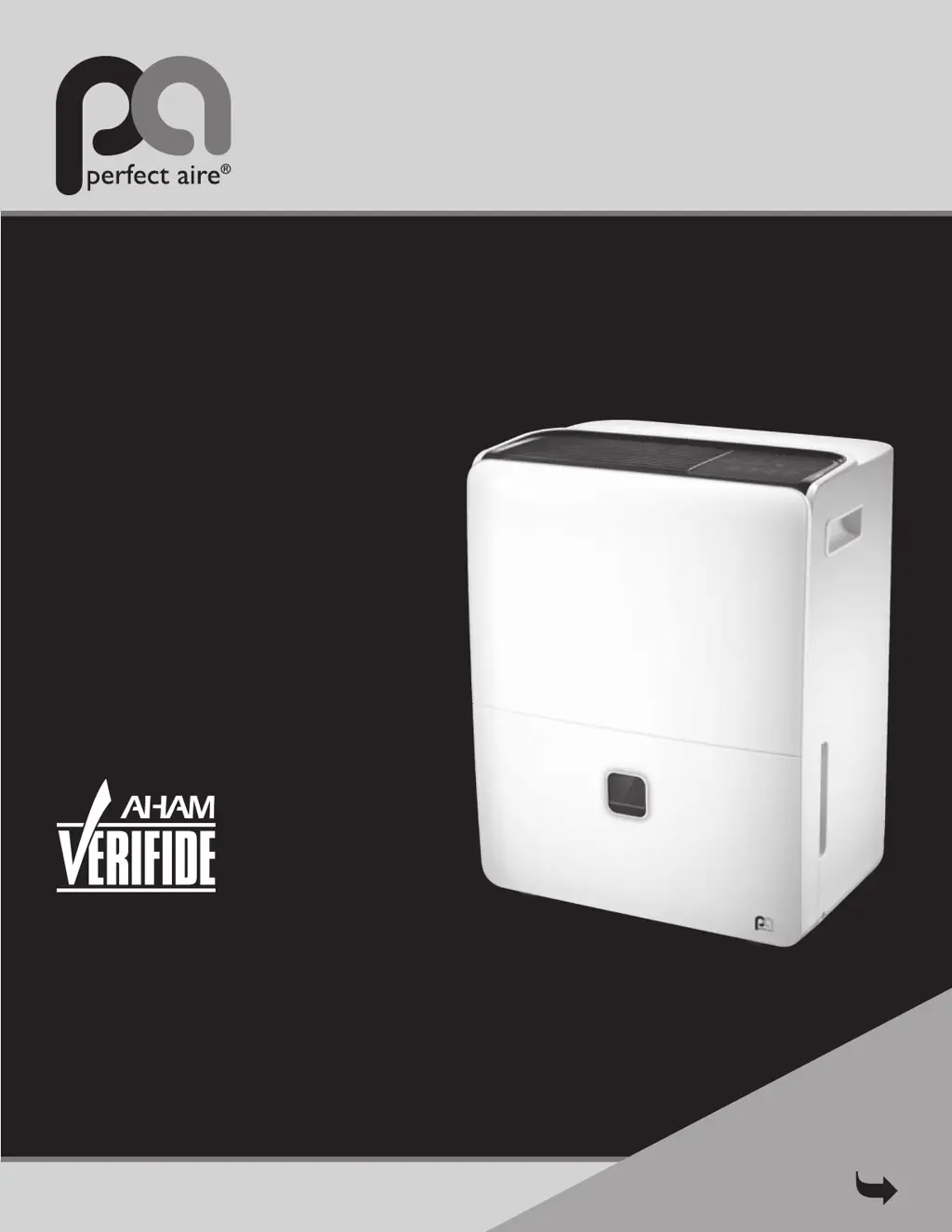
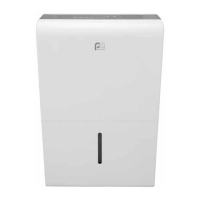
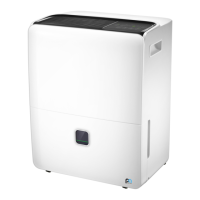
95 PINT
Before using your dehumidifier,
please read this manual carefully
and keep it for future reference,
along with your receipt.
FOR MODEL:
3PAD95
DEHUMIDIFIER
USER MANUAL
Be sure to read the
Quick Start Tips
on Page 1
COMFORT...BUILT TO LAST

Questions and Answers

  • S
    Sarah FrancisAug 16, 2025
    Why is my Perfect Aire Dehumidifier not drawing water?
    • U
      uwhiteAug 16, 2025
      If your Perfect Aire Dehumidifier is not drawing water, ensure the unit's size is appropriate for the room. When first installed, run it on Continuous Mode for 24 hours. Allow sufficient time for moisture removal and set the humidity low enough, but not below 45%. Ensure the setting isn't the same as the room's humidity. Close all doors and windows, ensure the unit is level, and provide sufficient air circulation. Remove obstructions like curtains or furniture. Verify the room temperature is above 41ºF, and relocate the unit if it's near a heat source.
  • J
    jonesstevenAug 19, 2025
    How to troubleshoot continuous drain not working properly in Perfect Aire Dehumidifier?
    • M
      Melissa KingAug 19, 2025
      If the continuous drain is not working properly on your Perfect Aire Dehumidifier, ensure the hose is clean, pliable, and no more than 6 feet long. Secure the hose at both ends, pushing it firmly onto the connector inside the unit. The hose should slope downwards to the drain. If using a garden hose with an adapter, ensure a secure connection. Check for obstructions, kinks, or tears in the hose. The unit should be level, not tilted forward. If needed, slightly elevate the front. Also, make sure the filter, vents, and bucket are clean. If water goes into the bucket instead of the hose, the unit is working correctly; recheck the setup.
  • C
    Charles AlvarezAug 22, 2025
    Why Perfect Aire Dehumidifier not starting?
    • K
      Kenneth EspinozaAug 22, 2025
      If your Perfect Aire Dehumidifier isn't starting, ensure it's fully plugged into the outlet. Check your home's fuse or circuit breaker box. Also, make sure the water bucket is not full and is correctly positioned in the unit.
  • J
    Jessica ValdezAug 26, 2025
    Why Perfect Aire 3PAD95 always running?
    • R
      Rebecca ThomasAug 26, 2025
      If your Perfect Aire Dehumidifier is running constantly, check these potential causes. Ensure the unit isn't too large or small for the room. If it's on Continuous or Comfort Mode, deselect those settings and choose an appropriate humidity level. If the room's humidity is higher than your setting, the unit will run continuously. Also, check that all doors and windows are closed, the unit is level, and air circulation is sufficient. Ensure nothing is blocking the unit. Lower the room temperature, and if the unit is near a moisture source, relocate it. Finally, ensure the filter, vents, and bucket are clean.
  • M
    Mark WallAug 28, 2025
    What to do if up and down pads on Perfect Aire Dehumidifier control panel do not allow user to adjust humidity setting?
    • E
      Eric MartinezAug 28, 2025
      If the up and down pads on the control panel of your Perfect Aire Dehumidifier do not allow you to adjust the humidity setting, ensure the unit is powered on and is not in Continuous or Comfort mode.
  • N
    nicoletaylorAug 31, 2025
    What to do if my Perfect Aire 3PAD95 Dehumidifier displays P2 or Bucket Full?
    • V
      Virginia KimAug 31, 2025
      If your Perfect Aire Dehumidifier displays 'P2' or 'Bucket Full', ensure the drain outlet cover is attached if you're using the bucket. Inspect the float switch for any damage, obstruction, or misalignment, and correct if necessary. Make sure the unit is level and that the filter, vents, and bucket are clean. Check that the float arm is correctly positioned inside the bucket. Finally, try unplugging the unit for 5 minutes, then plug it back in, re-insert the bucket securely, and turn the dehumidifier on.
  • E
    Elizabeth BeckerSep 3, 2025
    Why Perfect Aire Dehumidifier constantly cycles on and off?
    • M
      Meredith FranklinSep 3, 2025
      If your Perfect Aire Dehumidifier is constantly cycling on and off, several factors could be at play. First, make sure the unit is appropriately sized for the room. A unit too large will cycle frequently, while one too small will run constantly. If the humidity setting is close to the actual room humidity, the unit will cycle. Note that the fan runs briefly after the compressor shuts off, but in Continuous mode, both run continuously. Ensure the unit is level, and the filter, vents, and bucket are clean and unobstructed. Confirm all doors and windows are closed and there's sufficient air circulation. As a last resort, unplug the unit for 5 minutes, then plug it back in, re-insert the bucket, and turn it on.
  • T
    Tracy HughesSep 6, 2025
    How to fix Perfect Aire 3PAD95 auto defrost displays repeatedly?
    • J
      Jonathan MerrittSep 6, 2025
      If your Perfect Aire Dehumidifier is displaying 'Auto Defrost' repeatedly, try the following: Turn off the unit and unplug it for 4-6 hours, then plug it back in. Run it in normal mode (not Turbo, not Continuous), setting the humidity no more than 5% below the room's humidity. Allow the unit time to reach the initial setting. Lower the humidity by 5% increments until you reach your desired level, around 45-50%. Ensure the humidity isn't set too low, the unit isn't on a cold floor, and the room temperature is above 41ºF. Improve air circulation by elevating the unit if it's on a cold, hard floor.
  • S
    Sheila WebbSep 9, 2025
    What to do if there's water on floor near Perfect Aire 3PAD95?
    • A
      Alexander FuentesSep 9, 2025
      If there's water on the floor near your Perfect Aire Dehumidifier, check the hose connection points to ensure they are not loose. If you are collecting water in the bucket, verify that the continuous drain outlet cover is still in place on the back of the unit.
  • S
    Stephanie DavisSep 12, 2025
    Why Perfect Aire 3PAD95 making a loud noise when operating?
    • J
      James DownsSep 12, 2025
      If your Perfect Aire Dehumidifier is making a loud noise, ensure the air filter is clean and not clogged. Also, make sure the unit is upright and on a flat, level surface.

Summary

Quick Start Tips

Safety Precautions

General Safety Warnings

Important warnings covering electrical safety, unit operation, handling, and environment.

Electrical Information

Electrical Safety and Installation

Details on grounding, receptacle requirements, and the use of extension cords.

Control Pad Operations

Control Panel Functions

Explanation of buttons, display, and operational modes like Comfort, Timer, and Turbo.

Error and Protection Codes

List and explanation of error codes (AS, E3, Eb, EC, ES, P2) for troubleshooting.

Additional Unit Features

Details on features like Auto Shut Off, Auto Defrost, Check Filter, and Auto-Restart.

Setting the Timer

Instructions on how to set the auto start and auto stop timer functions.

Identification Of Parts

Component Identification

Diagrams and labels identifying front and rear parts of the dehumidifier.

Operating The Unit

Positioning the Unit

Guidelines for optimal placement, airflow, and environmental conditions for operation.

Using the Unit

Instructions for initial operation, working environment, and general usage tips.

Removing Collected Water

Methods for emptying the water bucket and setting up continuous draining.

Care And Maintenance

Care and Cleaning Procedures

Steps for cleaning the grille, case, bucket, air filter, and storage instructions.

Troubleshooting Tips

Common Issues and Solutions

Guide to diagnosing and resolving common problems like auto defrost, frost, no water, and error codes.

Perfect Aire 3PAD95 Specifications

General IconGeneral
BrandPerfect Aire
Model3PAD95
CategoryDehumidifier
LanguageEnglish

Related product manuals