EasyManua.ls Logo

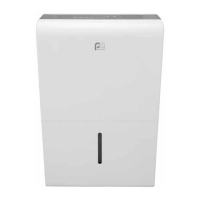
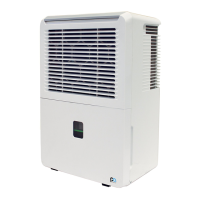
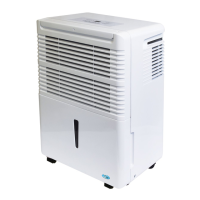
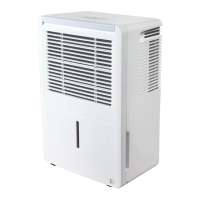
Perfect Aire 3PMP50 - User Manual

Perfect Aire 3PMP50
15 pages
Print Icon
To Next Page IconTo Next Page
Loading...
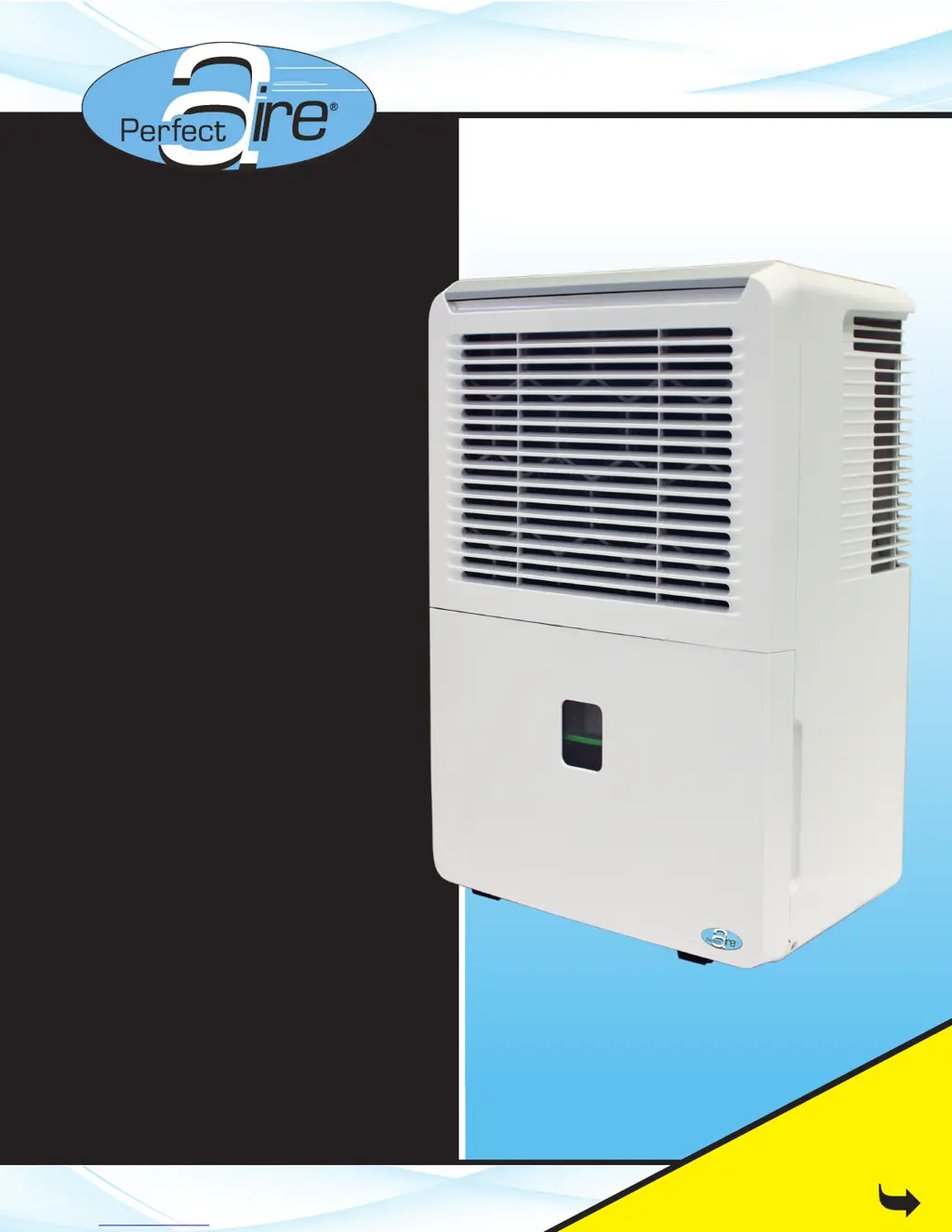
50 & 70 PINT
Before using your dehumidifier,
please read this manual carefully
and keep it for future reference,
along with your receipt.
Your Source for Home Comfort
FOR MODEL:
3PMP50
3PMP70
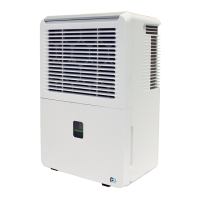
DEHUMIDIFIER
With Ejector Pump
USER MANUAL
Be sure to read the
Quick Start Tips
on Page 1

Questions and Answers

Summary

Quick Start Tips

Initial Setup and Operation

Guidance on initial setup, including upright positioning and continuous mode operation for the first 24 hours.

Humidity Setting and Draining Notes

Instructions for setting desired humidity and notes on foam in the float mechanism for proper bucket operation.

Accessory Identification

Locating and identifying the included accessories such as drain hose adapter, short tube, and pump hose.

Safety Precautions

Understanding Safety Symbols

Explains the meanings of WARNING and CAUTION symbols and the 'Never do this'/'Always do this' indicators.

Electrical Safety Warnings

Covers precautions related to power cords, outlets, wet hands, and unauthorized repairs to prevent shock and fire.

General Operational Safety Guidelines

Provides safety advice on unit placement, ventilation, exposure to elements, and handling of water and chemicals.

Identification of Parts

Front Panel Components

Identifies and labels the components on the front of the dehumidifier unit.

Rear Panel Components

Identifies and labels the components on the rear of the dehumidifier unit.

Included Accessories

Details the specific accessories included with the dehumidifier and their purpose.

Dehumidifier Features

Control Panel Overview

Describes the function of each button and indicator light on the dehumidifier's control panel.

Humidity and Timer Settings

Explains how to set the desired humidity level and the auto start/stop timer functions.

Continuous Operation Mode

Details how to operate the unit in continuous mode for constant dehumidification without a set humidity level.

Error and Protection Codes

Understanding Error Codes

Lists and explains various error codes (AS, ES, P2, Eb, EC, E3) and their potential causes and solutions.

Key Operational Features

Explains features like Bucket Full Light, Auto Shut Off, Automatic Defrost, Check Filter, and Automatic Restart.

Setting the Timer Function

Provides instructions on how to set the auto start and auto stop timer functions for the unit.

Operating Instructions

Unit Positioning Guidelines

Recommendations for placing the dehumidifier for optimal performance and safety, including air circulation.

Using the Dehumidifier

Steps for initial use, including continuous mode, operating environment, and electrical connections.

Removing Collected Water

Bucket Draining Method

Detailed steps for removing and emptying the water bucket, including handling the float mechanism.

Continuous Draining Setup

Instructions for connecting a hose for continuous water drainage via gravity.

Pump Draining Setup

Guidance on using the pump and hose for draining water to a higher elevation or further distance.

Care and Maintenance

Cleaning the Unit Exterior

Instructions for cleaning the grille, case, and air intake/outlet openings.

Cleaning the Water Bucket

Procedure for cleaning the water bucket to prevent mold and bacteria growth.

Cleaning the Air Filter

Steps for removing, cleaning, and re-installing the air filter for optimal performance.

Storage Instructions

Guidelines for preparing and storing the unit for long periods of non-use.

Troubleshooting Tips

Common Operational Issues

Solutions for repeated auto defrost, frost on coils, bucket full or P2 display, and not drawing water.

Cycling and Error Code Issues

Troubleshooting for frequent cycling on/off and display of error codes like ES, AS, P2, EC, Eb, or E3.

Continuous Operation and Draining Problems

Addresses issues with the unit always running and problems with the continuous drain functionality.

Unit Start-up and Noise Issues

Solutions for the unit not starting, making loud noises, water on the floor, or pump operation light blinking.

Perfect Aire 3PMP50 Specifications

General IconGeneral
BrandPerfect Aire
Model3PMP50
CategoryDehumidifier
LanguageEnglish

Related product manuals