EasyManua.ls Logo

Perfect Aire PMP50 - User Manual

Perfect Aire PMP50
14 pages
Print Icon
To Next Page IconTo Next Page
Loading...
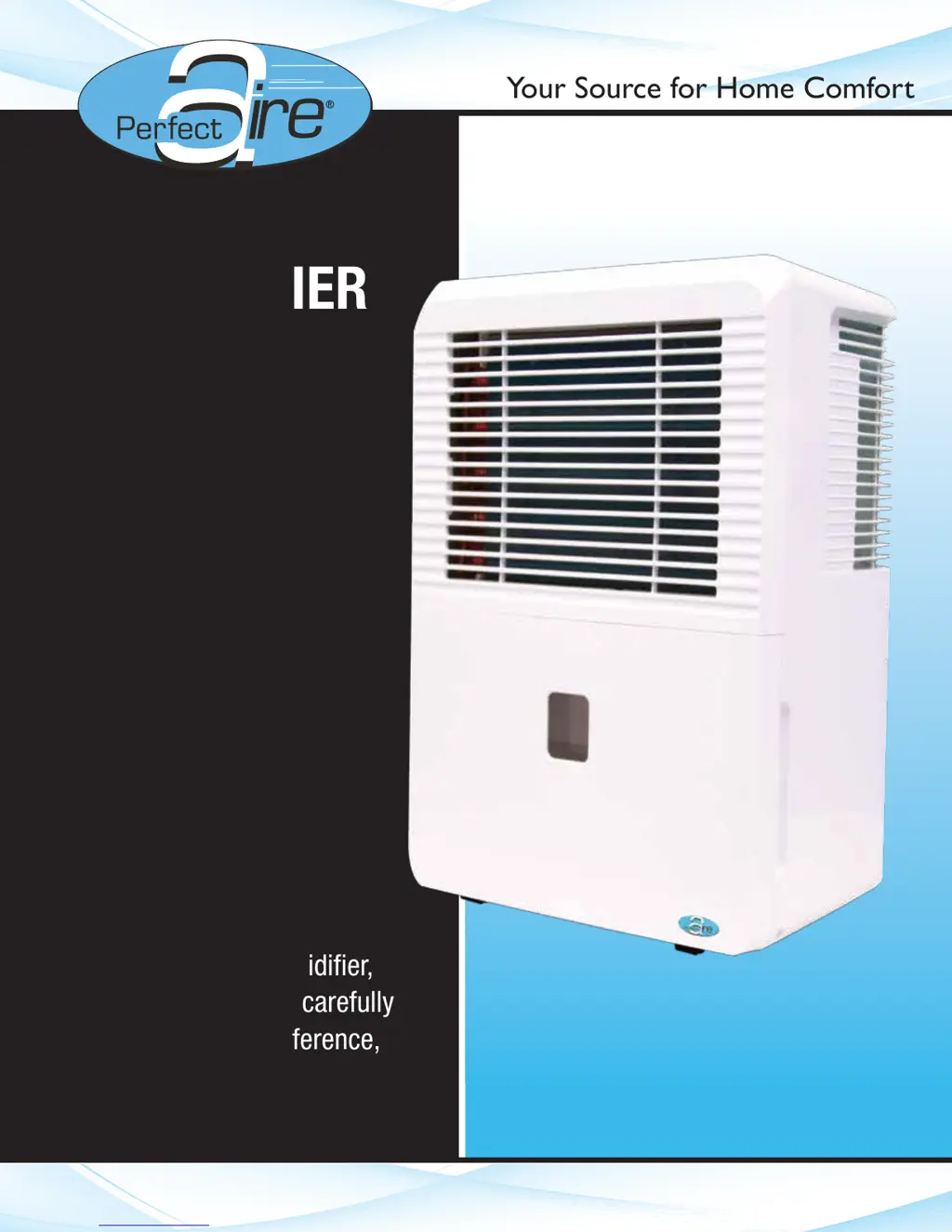
(50 PINT)
Before using your dehumidifier,
please read this manual carefully
and keep it for future reference,
along with your receipt.
Your Source for Home Comfort
FOR MODEL:
PMP50
DEHUMIDIFIER
With Ejector Pump
USER MANUAL

Questions and Answers

  • E
    Elizabeth StaffordAug 8, 2025
    What to do if my Perfect Aire Dehumidifier displays P2 or ‘Bucket Full’?
    • J
      Jeremy HernandezAug 8, 2025
      If your Perfect Aire Dehumidifier displays 'P2' or 'Bucket Full', here are some things to check: * Make sure the rubber drain plug is still in place at the back if you're using the bucket to collect water. * Inspect the float switch (the small silver tab inside the unit behind the bucket) for any damage or obstructions. If it's bent, carefully bend it back into position. The switch is on the left side behind the bucket. * Ensure the unit is level and that the filter, vents, and bucket are clean. * Confirm the float is correctly snapped into the bucket and that the foam piece is inside the float. * Try unplugging the unit for at least 5 minutes, then plug it back in, re-secure the bucket, and turn the unit on.
  • S
    simmonsbonnieAug 23, 2025
    How to stop Auto Defrost from repeatedly displaying on my Perfect Aire Dehumidifier?
    • M
      Mr. John Kramer IIAug 23, 2025
      If 'Auto Defrost' keeps appearing on your Perfect Aire Dehumidifier, try these steps: * Turn off the unit and unplug it for 4-6 hours. * Plug it back in, run it in normal mode (not Turbo fan or Continuous), and set the humidity level no more than 5% below the room's current humidity. * Allow the unit time to reach the initial humidity setting. * Lower the humidity setting by another 5% and repeat until you reach your desired humidity level (an average setting is 45-50%). * Ensure the humidity setting isn't too low, the unit isn't on a cold floor, and the room isn't too cold (it should be above 41ºF). * Make sure there's enough air circulation between the unit and the floor.
  • L
    Leslie JohnsonOct 31, 2025
    How to fix Perfect Aire PMP50 Dehumidifier not drawing water?
    • B
      beth89Oct 31, 2025
      If your Perfect Aire Dehumidifier isn't collecting water, consider these points: * Check that the unit is the right size for the room. * When you first install it, run the unit on Continuous Mode for 24 hours. * Allow sufficient time for the unit to remove moisture. * Make sure the humidity setting is low enough to facilitate moisture removal, but avoid setting it below 45%. * The set humidity level might be the same as the room's current humidity. * Ensure all doors, windows, and openings are closed tightly. * Confirm the unit is level and has good air circulation around it and between it and the floor. * Ensure that curtains, blinds, or furniture aren't blocking the unit. * Verify the room temperature is at least 41ºF. * If the unit is near a heat source, like a drye...
  • J
    Joshua DavisNov 14, 2025
    Why does my Perfect Aire PMP50 Dehumidifier constantly cycle on and off?
    • D
      Dennis BrownNov 15, 2025
      If your Perfect Aire Dehumidifier is constantly turning on and off, consider the following: * Ensure the unit is appropriately sized for the room. * Using a unit that is too large for the space can cause frequent cycling. Conversely, a unit too small will run continuously. * If the humidity setting is close to the actual room humidity, the unit may cycle on and off. * Note that the fan will run for a few minutes after the compressor shuts off, but in Continuous mode, both fan and compressor will run without stopping. * Check that the unit is level and that the filter, vents, and bucket are clean and unobstructed. * Make sure all doors and windows are closed securely. * Ensure adequate air circulation around the unit and between the unit and the floor. * Try unplugging the ...

Summary

Safety Precautions

Warning Symbols and Meanings

Explains warning symbols indicating death or serious injury and their meanings.

Caution Symbols and Meanings

Explains caution symbols indicating injury or property damage and their meanings.

General Warning Precautions

Lists critical warnings like not modifying cords, not operating with wet hands, etc.

General Caution Precautions

Lists cautions like not blocking vents, keeping fingers out of openings, not using near chemicals.

Identification of Parts

Front Component Identification

Identifies and labels the front parts of the dehumidifier unit.

Rear Component Identification

Identifies and labels the rear parts of the dehumidifier unit.

Dehumidifier Accessories

Lists and describes the included accessories like drain hose adaptors and screws.

Dehumidifier Features

Control Panel Overview

Explains the function of each button and indicator light on the control panel.

Humidity Setting Controls

Details how to set the desired humidity level using the up and down pads.

Timer Setting Controls

Explains how to set auto start and auto stop times using the timer controls.

Continuous Operation Mode

Describes how to activate and deactivate continuous operation mode.

Dehumidifier Features (Continued)

Error and Protection Codes

Lists and explains various error codes (AS, ES, P2, Eb, EC, E3) and their solutions.

Additional Dehumidifier Features

Details features like Bucket Full Light, Automatic Shut Off, Automatic Defrost, Check Filter, and Automatic Restart.

Timer Function Setup

Provides detailed steps for setting auto start and auto stop timers.

Operating Instructions

Unit Positioning Guidelines

Advises on optimal placement for dehumidifier operation and air circulation.

Initial Unit Operation

Explains initial use, operating environment, and basic usage precautions.

Operating Instructions (Continued)

Removing Water Using the Bucket

Step-by-step guide on how to safely remove and empty the water bucket.

Bucket Removal Precautions

Important notes and warnings related to removing the water bucket.

Operating Instructions (Continued)

Continuous Draining Setup

Instructions for setting up continuous drainage using a hose and adaptor.

Continuous Draining Precautions

Important notes and clarifications regarding continuous draining setup.

Operating Instructions (Continued)

Pump Draining Setup

Instructions for setting up water removal using the pump drain feature.

Pump Operation Troubleshooting

Explains common pump operation issues and how to resolve them.

Care and Maintenance

Cleaning the Dehumidifier Exterior

How to clean the unit's exterior grilles and casing safely and effectively.

Cleaning the Water Bucket

Instructions for cleaning the water bucket to prevent mold and bacteria.

Cleaning the Air Filter

Steps for removing, washing, and reinstalling the air filter for optimal performance.

Preparing for Long-Term Storage

Guidelines for cleaning and storing the dehumidifier when not in use for extended periods.

Troubleshooting Tips

Auto Defrost Display Issue

Solutions for when the auto defrost feature displays repeatedly.

Frost on Coils

Explains that frost on coils is normal due to auto defrost feature.

Bucket Full Display Troubleshooting

Addresses issues when the unit displays P2 or 'Bucket Full'.

No Water Draw Issue

Provides solutions for when the dehumidifier is not collecting water.

Cycling On;Off Issue

Solutions for when the dehumidifier cycles on and off too frequently.

Error Code Displays

Explains error codes (ES, AS, P2, EC, Eb, E3) and directs users to page 5.

Troubleshooting Tips (Continued)

Unit Always Running Issue

Solutions for when the dehumidifier runs continuously.

Continuous Drain Malfunction

Troubleshooting steps for when the continuous drain feature is not functioning correctly.

Unit Fails to Start

Solutions for when the dehumidifier unit does not turn on.

Loud Noise Operation

Addresses issues related to the unit making excessive noise during operation.

Water Leakage Issue

Troubleshooting steps for leaks or water on the floor.

Pump Operation Light Blinking

Explains why the pump operation light might blink and how to fix it.

Perfect Aire PMP50 Specifications

General IconGeneral
BrandPerfect Aire
ModelPMP50
CategoryDehumidifier
LanguageEnglish

Related product manuals