EasyManua.ls Logo

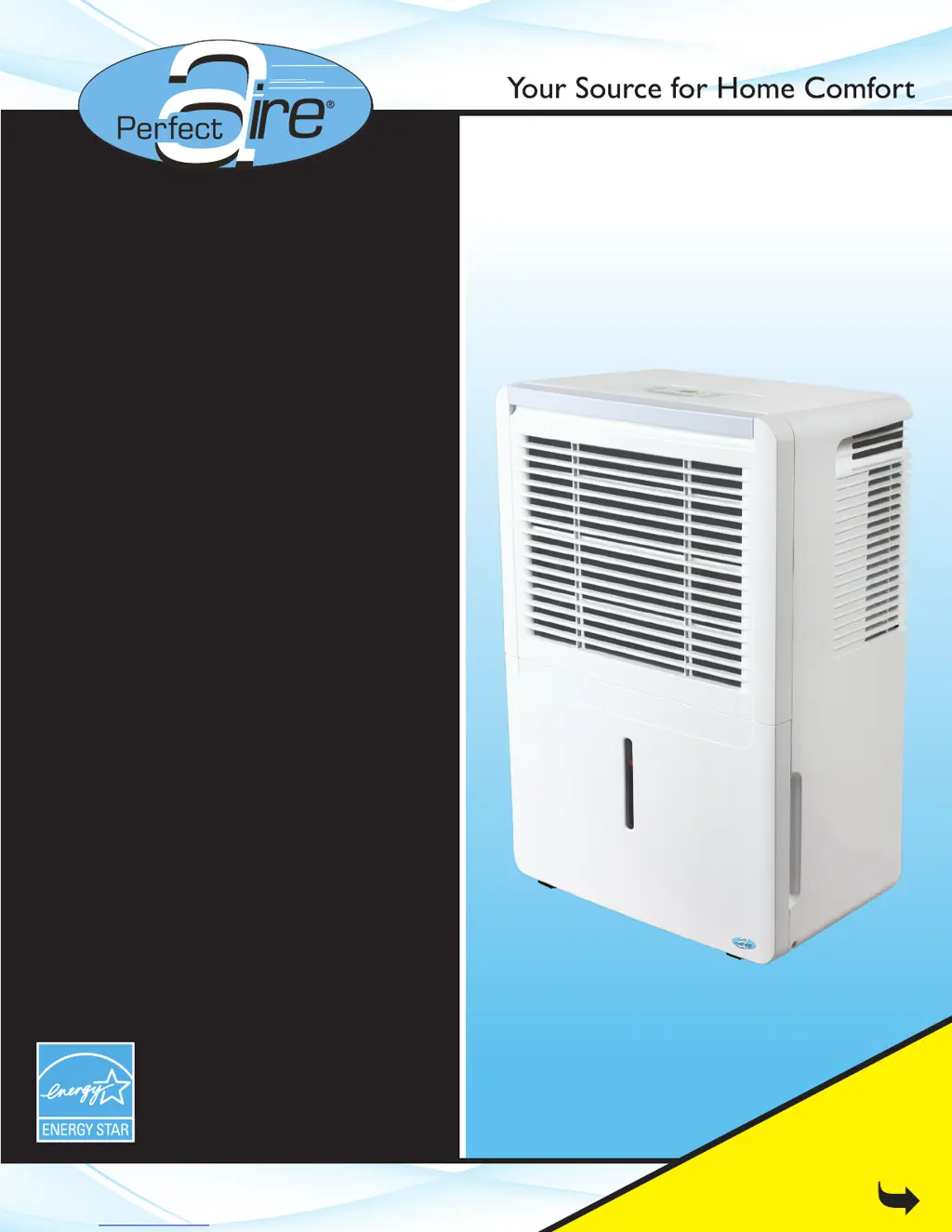
Perfect Aire 3PAD50 - User Manual

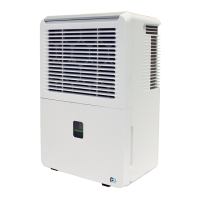
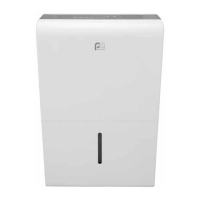
Perfect Aire 3PAD50
16 pages
Print Icon
To Next Page IconTo Next Page
Loading...
30, 50 & 70 PINT
Before using your dehumidifier,
please read this manual carefully
and keep it for future reference,
along with your receipt.
FOR MODELS:
3PAD30
3PAD50
3PAD70
DEHUMIDIFIER
USER MANUAL
Be sure to read the
Quick Start Tips
on Page 1

Questions and Answers

  • J
    Jennifer ThompsonAug 22, 2025
    Why does my Perfect Aire 3PAD50 Dehumidifier display 'Bucket Full' or P2?
    • B
      Benjamin MillsAug 22, 2025
      If your Perfect Aire Dehumidifier displays 'Bucket Full' or 'P2', here are some things to check: * Ensure the rubber drain plug is still in place on the back of the unit if you're using the bucket to collect water. * Inspect the float switch (a small silver tab located behind the bucket) for any damage, dirt, or obstructions. If it's bent, carefully bend it back into position. The switch is on the left side behind the bucket when facing the unit. * Make sure the unit is level, and the filter, vents, and bucket are clean. * Confirm the float is correctly snapped into place inside the bucket and that the foam piece is inserted in the float. * Try unplugging the unit for at least 5 minutes, then plug it back in. Remove and securely replace the bucket before turning the unit on.
  • M
    Mariah AndersonAug 26, 2025
    What to do if my Perfect Aire Dehumidifier is always running?
    • W
      Warren DunlapAug 26, 2025
      If your Perfect Aire dehumidifier is running constantly, consider the following: * Ensure the unit's size is appropriate for the room. * Allow sufficient time for the unit to reduce moisture. * If the unit is in Continuous Mode, disable it and select an appropriate humidity setting. * If the room's humidity is higher than the set humidity, the unit will continue to run. * Close all doors, windows, and openings securely. * Ensure the unit is level and has sufficient air circulation around it and between the floor. * Make sure curtains, blinds, or furniture aren't blocking the unit. * Try lowering the room temperature. * Relocate the unit if it's near a moisture source like a sink or washing machine. * Clean the filter, vents, and bucket thoroughly.
  • V
    Vanessa TannerAug 28, 2025
    How to fix repeated auto defrost on Perfect Aire 3PAD50?
    • R
      robert78Aug 28, 2025
      If your Perfect Aire dehumidifier is repeatedly displaying 'Auto Defrost', try the following steps: * Turn off the unit and unplug it for 4-6 hours. * Plug the unit back in and run it in normal mode (not Turbo fan or Continuous operation). Set the humidity level to no more than 5% lower than the room's current humidity. * Allow the unit time to reach the initial humidity setting. * Lower the humidity another 5% and repeat until the desired humidity is reached. (The average setting should be 45-50%.) * Ensure the humidity setting isn't too low, the unit isn't on a cold floor, and the room isn't too cold (it should be 41º F or above). * Ensure there's sufficient air circulation between the unit and the floor.
  • A
    adamslawrenceSep 3, 2025
    Why my Perfect Aire 3PAD50 unit does not start?
    • A
      Aaron WatkinsSep 3, 2025
      If your Perfect Aire dehumidifier isn't starting, try these steps: * Ensure the dehumidifier's plug is fully inserted into the outlet. * Check the fuse or circuit breaker in your home. * Empty the water bucket if it's full. * Make sure the water bucket is correctly positioned.
  • S
    Susan JonesSep 6, 2025
    Why Perfect Aire Dehumidifier makes a loud noise?
    • S
      Susan RobersonSep 6, 2025
      If your Perfect Aire dehumidifier is making a loud noise during operation: * Ensure the air filter is clean and not clogged. * Confirm the unit is upright (not tilted) and on a flat, level surface. * If you're using the pump operation, the unit may be noisy for the first few minutes after the pump starts, which is normal.
  • V
    virginiagomezSep 9, 2025
    What to do if there is water on the floor near my Perfect Aire 3PAD50?
    • D
      Diana WilliamsSep 9, 2025
      If you find water on the floor near your Perfect Aire dehumidifier: * Check the hose connection points to ensure they are not loose. * If collecting water in the bucket, ensure the continuous drain outlet plug has not been removed from the back of the unit. * Make sure the foam piece has not been removed from the float. Without this piece, the float mechanism will not work properly and the bucket will overflow.
  • M
    Maria LarsonSep 12, 2025
    Why can't I adjust the humidity setting on my Perfect Aire 3PAD50 Dehumidifier?
    • N
      Nathan CamachoSep 12, 2025
      If you cannot adjust the humidity setting on your Perfect Aire Dehumidifier using the up and down pads, make sure that: * The unit is powered on. * The unit is not in Continuous mode. * The unit is not in Comfort mode.
  • R
    Robin SmithNov 15, 2025
    What to do if my Perfect Aire 3PAD50 Dehumidifier is not drawing water?
    • D
      davidaliNov 15, 2025
      If your Perfect Aire dehumidifier isn't collecting water, consider these points: * Make sure the unit is appropriately sized for the room. * When first installed, run the unit on Continuous Mode for 24 hours. * Allow enough time for the unit to remove moisture from the air. * Ensure the humidity setting is low enough to facilitate moisture removal, but avoid setting it below 45%. * The set humidity level might be the same as the room's current humidity, meaning there's no moisture to remove. * Confirm that all doors, windows, and other openings are securely closed. * Ensure the unit is level and has sufficient air circulation around it and between the floor. Also, make sure curtains, blinds, or furniture aren't blocking the unit. * Verify that the room temperature is 41º F...
  • C
    Cheyenne BallNov 18, 2025
    How to troubleshoot Perfect Aire Dehumidifier continuous drain not working?
    • R
      Rita McknightNov 18, 2025
      If the continuous drain feature on your Perfect Aire dehumidifier isn't working correctly, check the following: * Make sure the hose is clean, pliable, and no longer than 6 feet. Clear tubing with a 5/8 inch outer diameter and 1/2 inch inner diameter is recommended. * Ensure the hose is securely attached on both ends, especially the connector piece inside the unit. * The hose should exit through the back of the unit and slope downwards towards the drain. * If using a garden hose with an adapter, ensure the connection is secure. * Check for obstructions, kinks, or tears in the hose. * Ensure the unit is level and the bucket is fully inserted. If the surface is uneven, slightly prop up the front wheels, being careful not to let the unit fall backward. * Verify that the filter,...
  • E
    Eileen CrossDec 1, 2025
    Why does my Perfect Aire 3PAD50 constantly cycle on and off?
    • S
      Samantha LevineDec 1, 2025
      If your Perfect Aire dehumidifier is constantly cycling on and off, consider these factors: * Ensure the unit's size is appropriate for the room. A unit too large for the space will cycle more frequently, while one too small will run constantly. * If the humidity setting and the actual humidity in the room are close, the unit may cycle on and off accordingly. * Note that the fan will continue to run for a few minutes after the compressor shuts off. In Continuous mode, both the fan and compressor run continuously. * Check that the unit is level and that the filter, vents, and bucket are clean and unobstructed. * Ensure all doors, windows, and other openings are securely closed. * Make sure there is sufficient air circulation around the unit and between the unit and the floor. *...

Summary

Quick Start Tips

Setup and Initial Operation

Covers upright positioning, initial 24-hour operation, setting humidity levels, and checking internal foam.

Safety Precautions

General Safety Warnings

Essential safety rules like not exceeding outlet rating, not using wet hands, and not disassembling.

Electrical Information

Details grounding requirements and precautions for electrical connections.

Control Pad Functions and Settings

Control Pad Functions

Details the functions of mode selection, filter cleaning reminder, fan speed, power, and timer buttons.

Advanced Features and Error Codes

Error & Protection Codes

Explains error codes like AS (Humidity sensor), ES (Temp sensor), P2 (Bucket full), E1/EC (Malfunction).

Operating and Draining Procedures

Troubleshooting Common Issues

Troubleshooting Operational Problems

Provides solutions for auto defrost, frost on coils, bucket full errors, no water draw, and cycling issues.

Error Code Explanations Reference

Directs users to page 6 for detailed explanations of error and protection codes.

Perfect Aire 3PAD50 Specifications

General IconGeneral
BrandPerfect Aire
Model3PAD50
CategoryDehumidifier
LanguageEnglish

Related product manuals