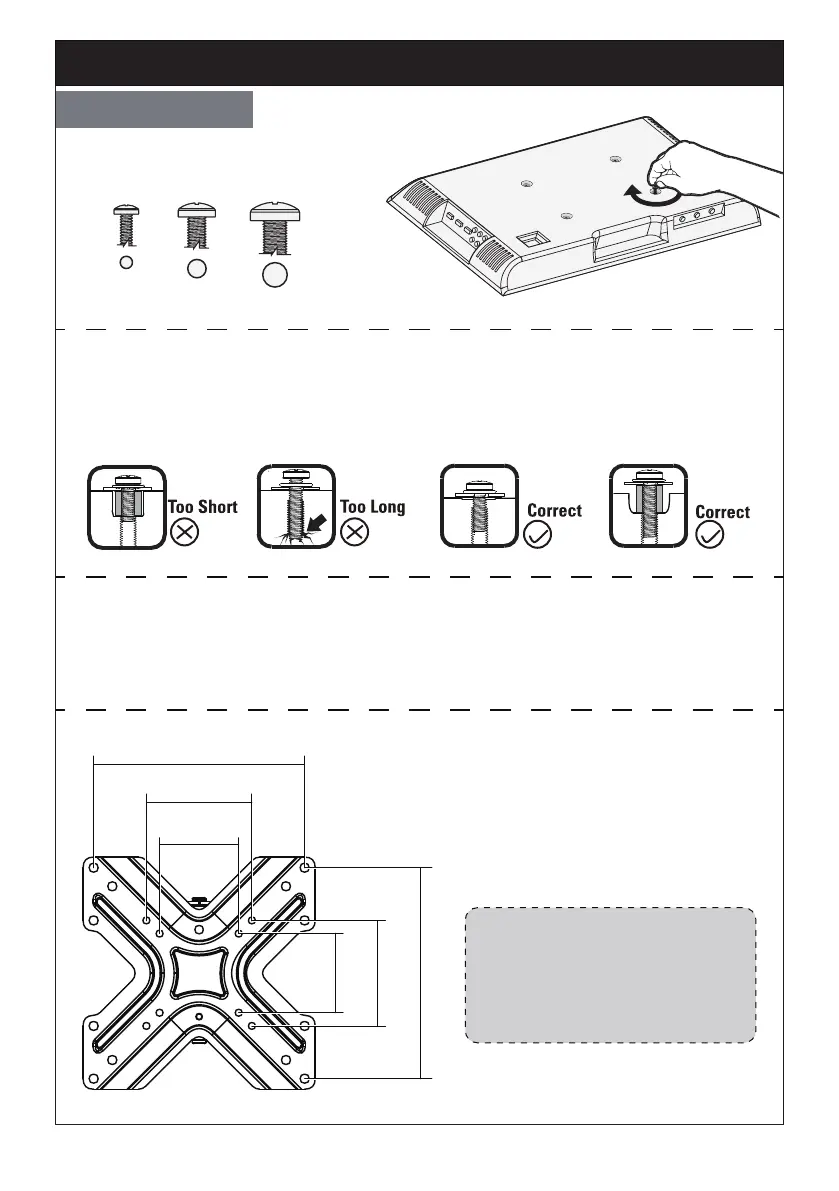
Select TV Bolts
M6M4 M8
Only one bolt size fits your TV.
Bolt length: Verify adequate thread engagement with bolt or bolt/spacers
combination. We recommend thread engagement by at least 5 turns.
-Too short will not hold the TV.
-Too long will damage the TV.
Please Note: When using the spacers it is important to note that they can be
used in multi-layers (meaning stacked). If you have any difficulty understanding
how to install the TV bolts or spacers, please contact customer service at
support@perlegear.com.
Step 2 Secure the Faceplate to a TV
75mm(3 in.)
75mm(3 in.)
100mm(4 in.)
100mm(4 in.)
200mm(8 in.)
200mm(8 in.)
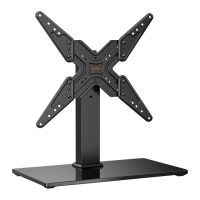
Suitable for VESA hole pattern:
3x3 in.(75x75mm)
4x4 in.(100x100mm)
8x8 in.(200x200mm)
8x4 in.(200x100mm)
01 02 03 04 05 06 07 08 09


 To Next Page