19
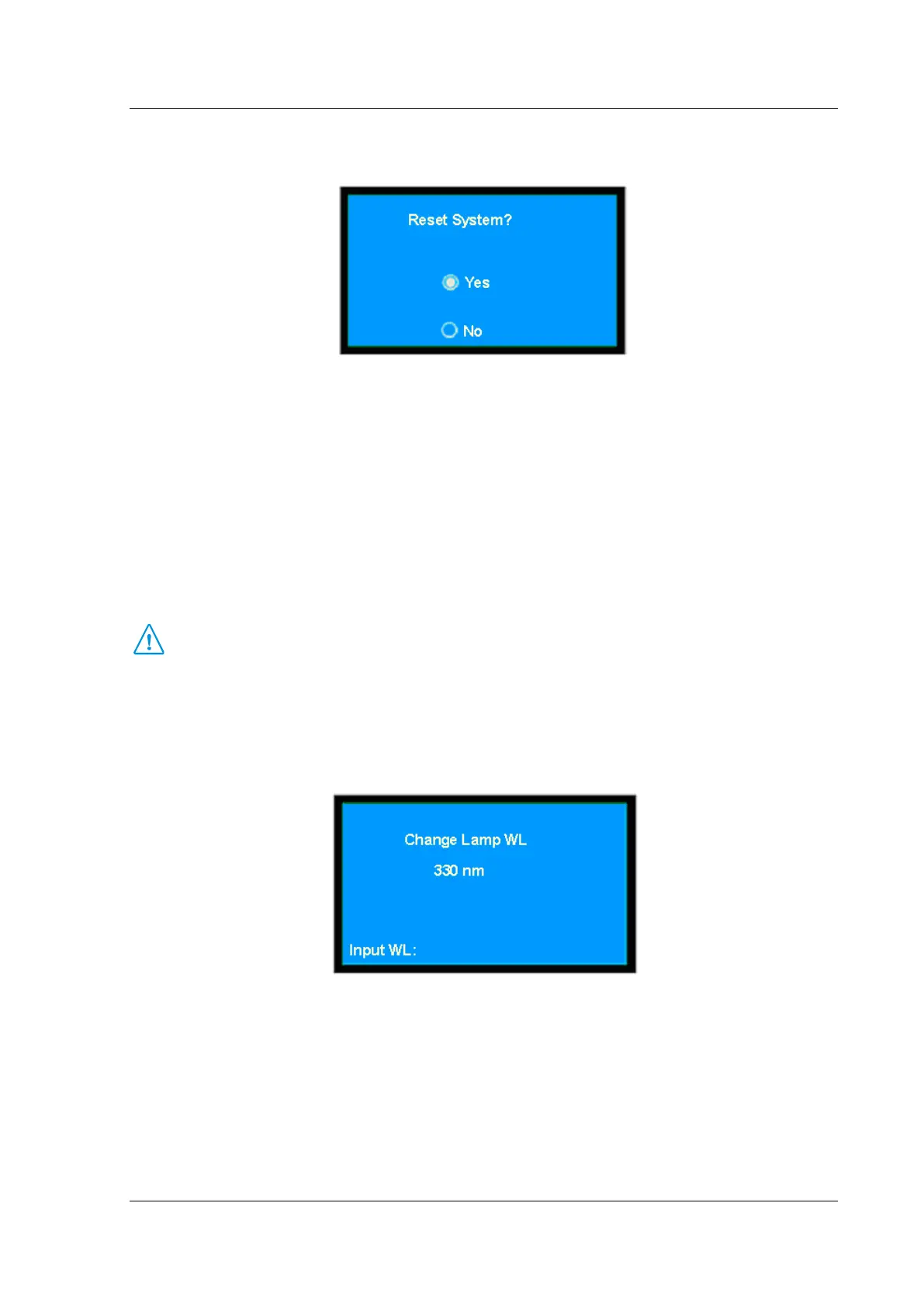
In the case of system set, press 【▲】 and 【▼】 to move the cursor to the option of Reset System,
then press 【ENTER】 to gain access to the menu of reset system.
(Fig. 3-20)
In the case of reset system, press 【▲】 and 【▼】 to move the cursor to the required option, then
press 【ENTER】.
The original parameters setting:
Module Style: 8-cell changer
Cell Number: 5
Reagent Blank: No
Cell Blank: No
Change Lamp Wavelength: 359.9nm
Dark Current: reset
The instrument will remember the parameters, which is set according to the user’s requirements. It is
not recommended to reset system.
⊙ Input Change Lamp Wavelength
In the case of system set, press 【▲】 and 【▼】 to move the cursor to the Change Lamp WL, then
press 【ENTER】 to input value.
(Fig. 3-21)
At the bottom of this page, enter the wavelength by pressing the numeric keys (0~9) and decimal point
【.】. Press 【RETURN】 key to clear the mistakes, and press 【CE】 to clear step by step, then press
【ENTER】 key to confirm . Press 【ENTER】 key to confirm and quit. If nothing is to be entered, press
【RETURN】 key to quit this page directly. A 3-digit figure entry is allowed. The range is from 300 to 400.
If the entered figure exceeds the range and you have pressed 【ENTER】, the system will delete what has
been entered automatically and you should start a new entry again.


 To Next Page