17
12. Volume control
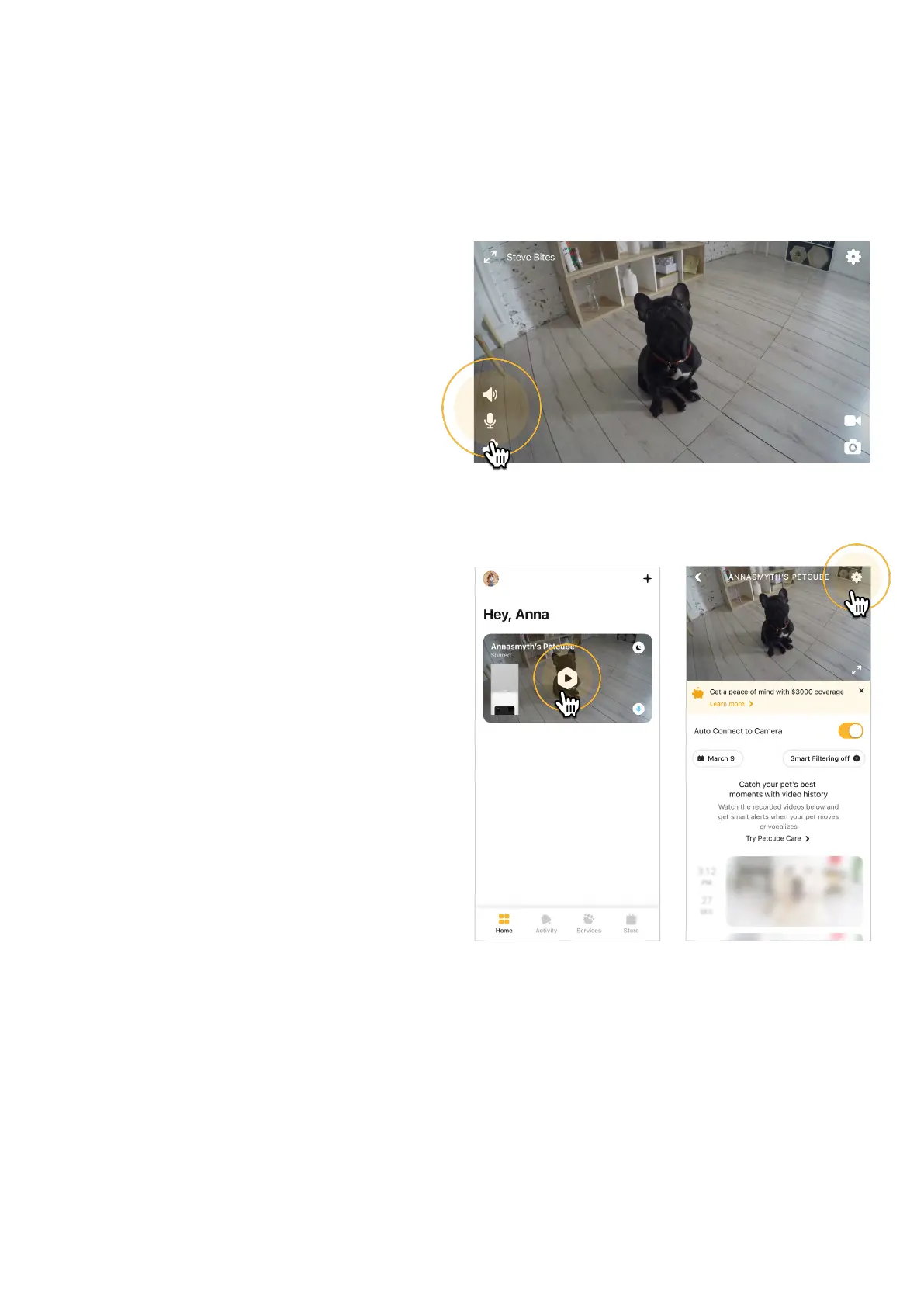
To change the volume level
on your Petcube:
1. Open the Petcube app;
2. Go to the camera profile (fig 4.12.1);
3. Tap the ‘Settings’ wheel in the upper
right corner;
4. Go to Video & Audio settings menu
(fig 4.12.3);
5. Adjust the volume level under
‘Camera speaker volume’ (fig 4.12.4).
Keep in mind that in order to be able
to change the settings on your Petcube,
it needs to be in online standby mode
(steady Blue light).
Fig. 4.12.1 Fig. 4.12.2
Fig. 4.11.4



 To Next Page