22
16. Using Auto Treat Scheduling
With Petcube Bites users not only can
give their pet a treat on demand during
the live stream but also set up an auto
treats schedule to cheer up their pet
even if they are not there.
You can set up the treat scheduling
by following these few easy steps:
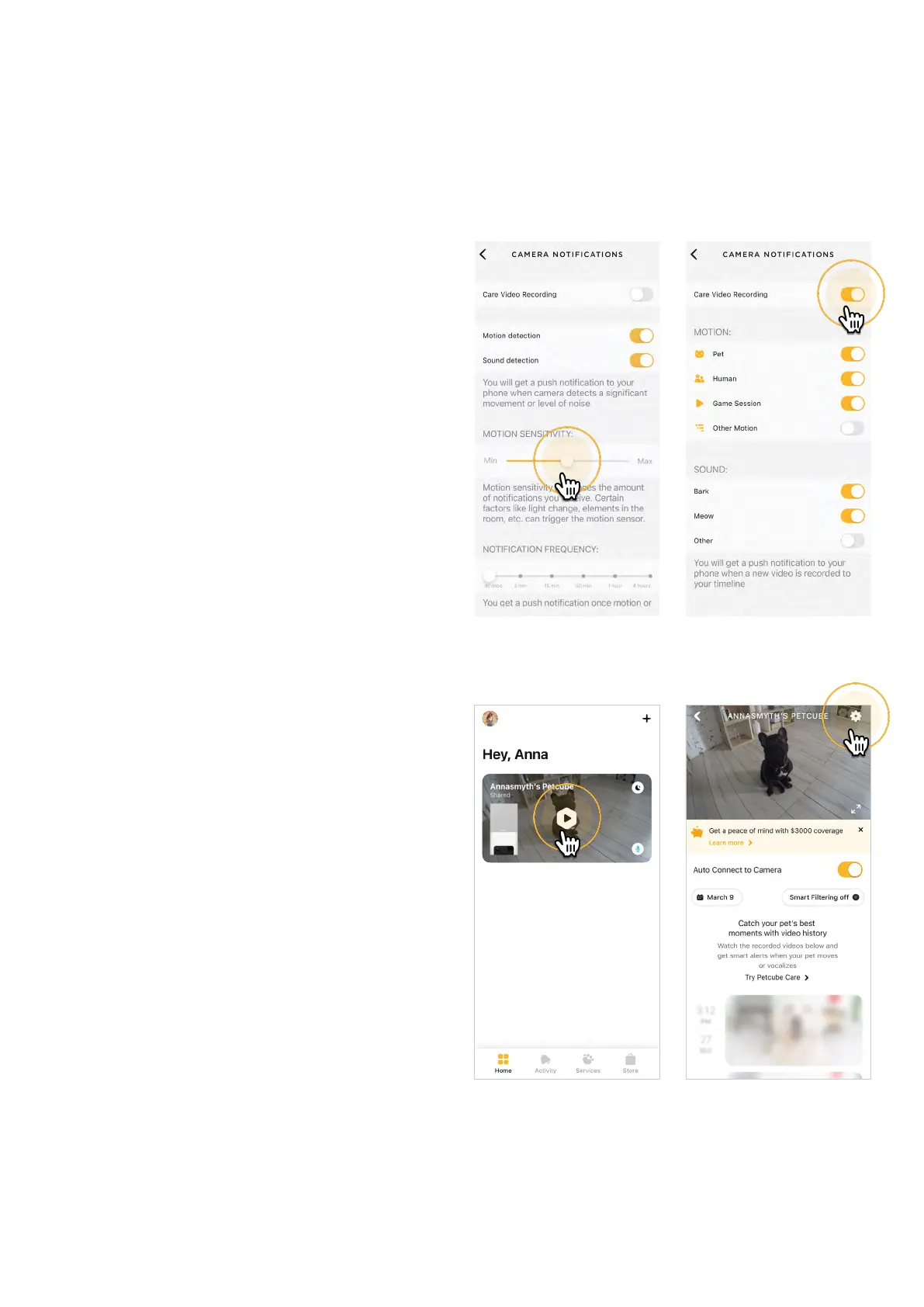
1. Open the Petcube app;
2. Go to the camera profile, tap
the ‘Settings’ wheel in the upper
right corner;
3. Select ‘Treat Dispensing’ (fig 4.16.3);
4. Set time, treat flinging power and
serving count and when the time
comes, your pet will be getting that
extra treat (fig 4.16.4).
17. Setting up multiple Petcube
cameras on one account
To register multiple cameras
in a single account:
1. Launch the Petcube app;
2. Click Plus icon in the right top
corner (fig 4.17.1);
3. Select your Petcube in the list
and follow the instructions.
Repeat this process to register
additional devices.
Fig. 4.15.6
Fig. 4.15.5
Fig. 4.16.1 Fig. 4.16.2



 To Next Page