41
3. This issue may occur if you’re using a non-original or a less powerful A/C adapter.
Please make sure to use only 5V / 2A power adapters;
4. You are using a mesh network or your 5Ghz and 2.4Ghz channels have the same
SSID. It has been observed on multiple occasions that sometimes Petcube cannot
maintain a reliable connection on a mesh/merged network or different network
channels (5Ghz and 2.4Ghz) with the same network name (SSID). It is recommended
to change any of the two channels names to avoid connection issues.
Petcube Bites 2 Lite will only work with 2.4 Ghz Wi-Fi channels;
5. It’s possible that Petcube doesn’t have strong Wi-Fi connection. Keep in mind that
some connection issues may be caused by poor Wi-Fi signal, which can depend
on the router range, distance to the router and obstacles between Petcube and
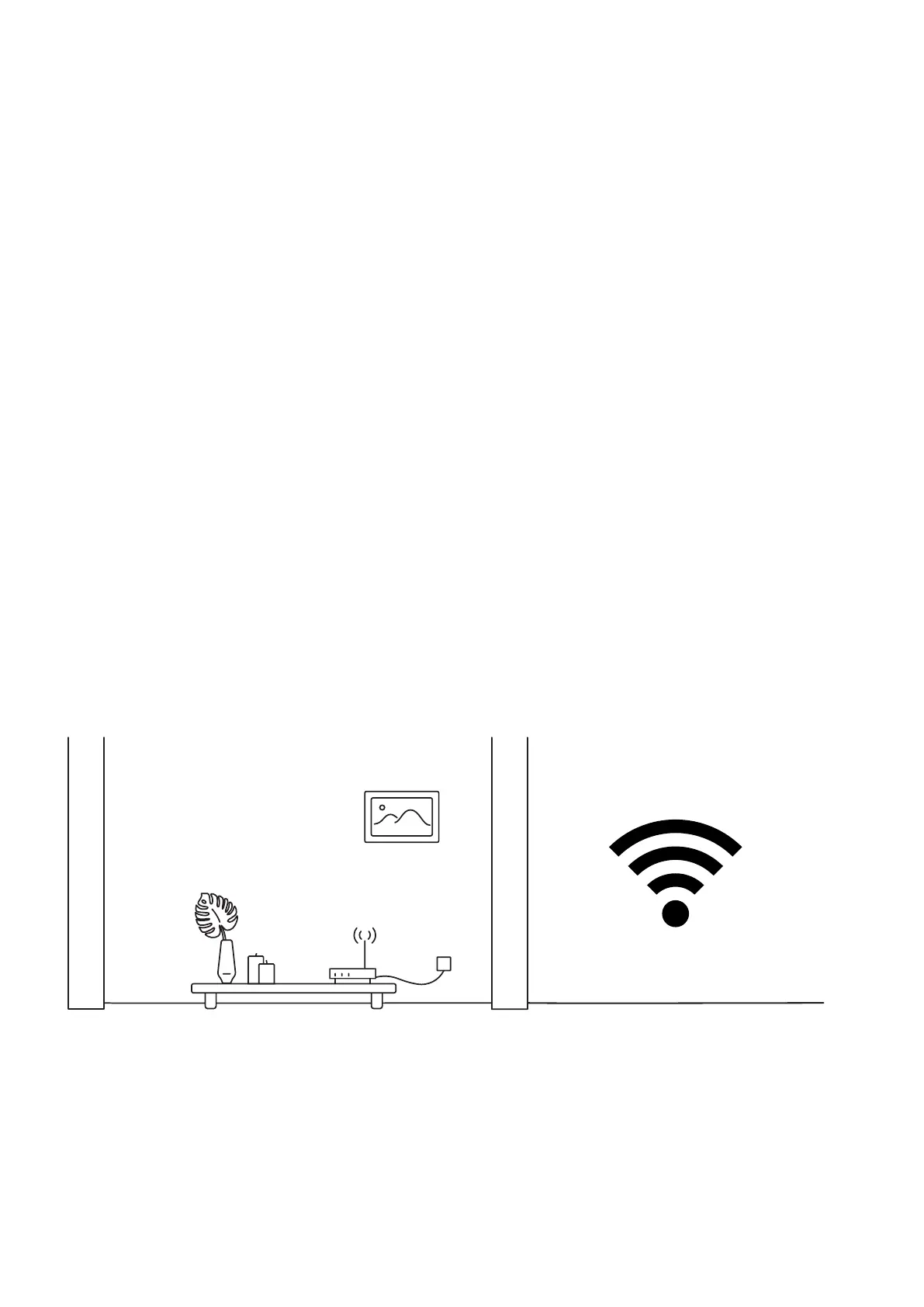
router, such as walls or radio frequency interferences. Here are a few examples how
electronic appliances or bearing walls can impact your Wi-Fi signal.
Example 1 (fig 8.10.1) shows no electronic or radio devices and no bearing walls between
two rooms so the signal in the other room is very good.
Example 2 (fig 8.10.2) shows a bearing wall between two rooms which causes poor
Wi-Fi signal in the other room.
Fig. 8.10.1



 To Next Page