7
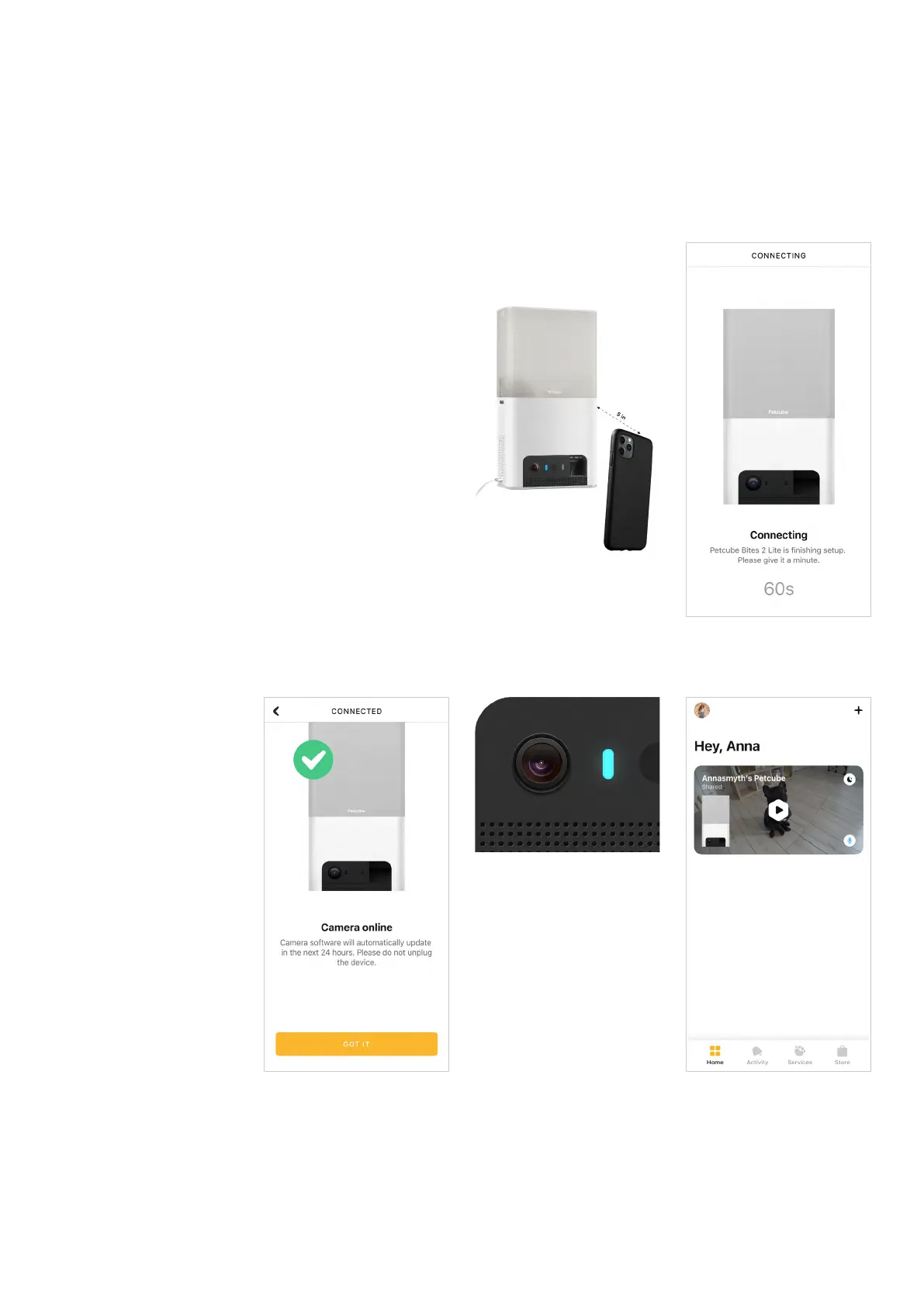
Step 9. Once the LED light on your
Petcube changes to solid blue
(fig 4.1.12), you are ready to play
with your Petcube (fig 4.1.13).
Reminder: It is likely that your Petcube
will need a firmware update right after
it is connected. The firmware update
will be downloaded to your camera
within 24 hours.
Fig. 4.1.10
Fig. 4.1.12
Fig. 4.1.11 Fig. 4.1.13
Fig. 4.1.9



 To Next Page