Check the Receiver Power
When the receiver is turned on, press the power button twice
quickly to check the power:
Receiver beeps 5 times, representing 100% (80-100%)
Receiver beeps 4 times, representing 80% (60-80%)
Receiver beeps 3 times, representing 60% (40-60%)
Receiver beeps twice, representing 40%(20-40%)
Receiver beeps once, representing 20% (1-20%)
How to Pairing
1.Turn on the remote and select one of the dog channel by
pressing the CH button.
2.Adjust vibration or static shock level by pressing “+“ or “-“ button.
3.Hold power button on the receiver for 2 seconds, when the
indicator light keep ashing for 10 seconds, press any button on the
remote to pair.
4.If you have multiple receivers, simply choose a different channel
and pair as per the same instructions.
PAIRING AND TESTING
Test the Training System
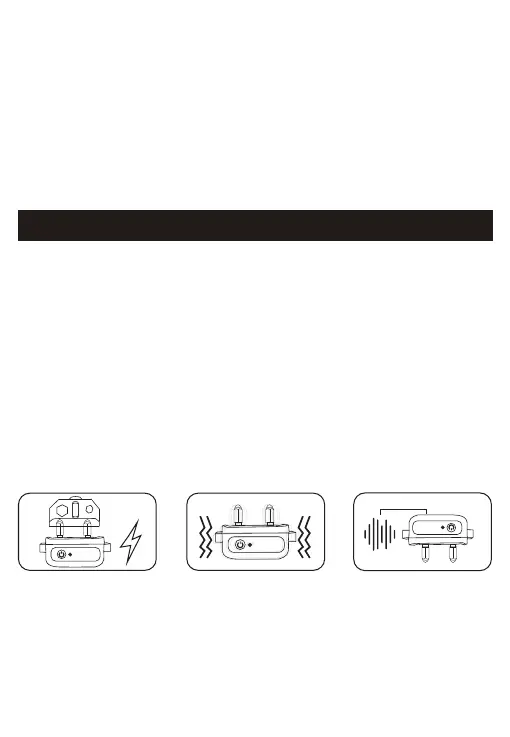
1.Static Stimulation Function Test
Static stimulation function can not be seen with the naked eye,
please use our test light. Press the static stimulation function button,
the test light will shine
2.Vibration Function Test
Press the vibration function button, the receiver will shake.
07



 To Next Page