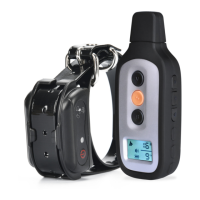
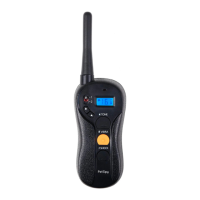
PREPARING RECEIVER COLLAR FOR YOUR FIRST USE:
Make sure that Receiver Collar is charged before proceeding to the training:
1. Carefully open the rubber cover over the charging port and connect the charger.
2. Red LED light will indicate that receiver is charging. It takes about 30 minutes to fully
charge it. Make sure to unplug the collar aer 30 minutes to avoid dammage.
3. Put the rubber cover back over the charging port to ensure collar is fully waterproof.
RECEIVER COLLAR OPERATION
1. When Receiver is charged and turned on, it always stays in the Sleep/Standby Mode
waiting for any movement to activate it.
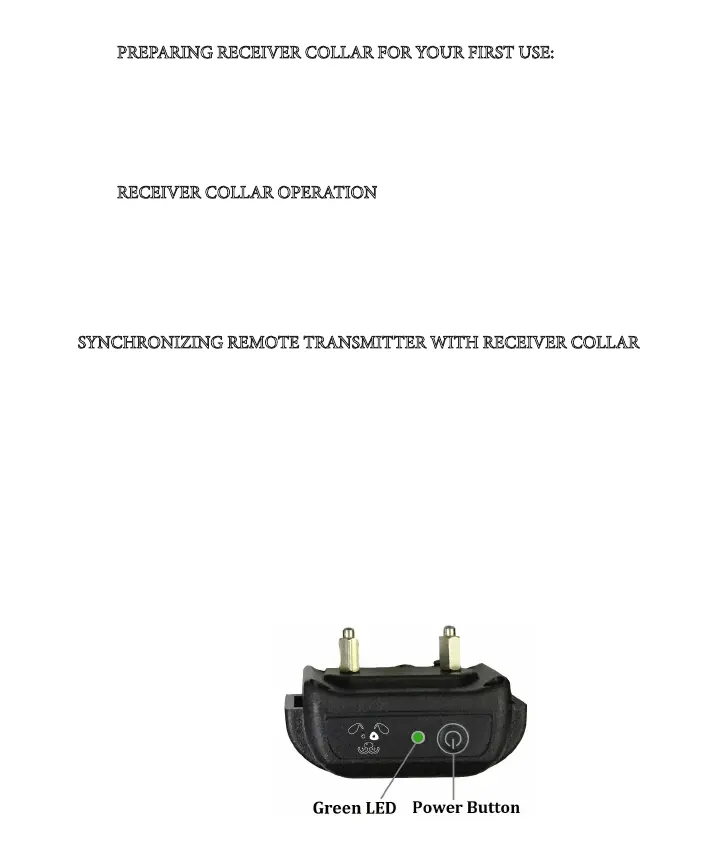
2. When Receiver is activated by a movement, the green LED will start ashing every
4-5 seconds indicating that it’s ready to receive any command from remote.
3. If receiver does not start ashing aer a movement or it does not respond to any
commands from remote - it needs to be charged.
SYNCHRONIZING REMOTE TRANSMITTER WITH RECEIVER COLLAR
Sometimes the collar can loose connectivity with remote. e x is pretty quick and
simple. Follow these steps to re-synchronize the system:
1. Make sure that Transmitter and Receiver are fully charged. Turn o the Receiver.
2. Press and hold the Power button on the Receiver Collar for about 5 seconds to enter
the Synchronization Mode - the receiver will beep rst and right aer that green LED
will start ashing.
3. While green LED is ashing, send any correction command from remote. We recom-
mend you to send a Vibration command by pressing and holding the Vibration button
on remote until you feel that collar is vibrating. If no command is sent, the ashing will
stop aer 20 seconds.
4. e system is now resynchronized - try to send any command to test it.
If you have 2 collars, repeat the above steps for both collars A and B. Make sure to set
the Remote to mode A when synchronizing the rst collar, and then switch it to B to
synchronize the second collar.


 To Next Page