EasyManua.ls Logo

Pfaff creative 7570 - Page 231

Pfaff creative 7570
293 pages
Print Icon
To Next Page IconTo Next Page
To Previous Page IconTo Previous Page
Loading...
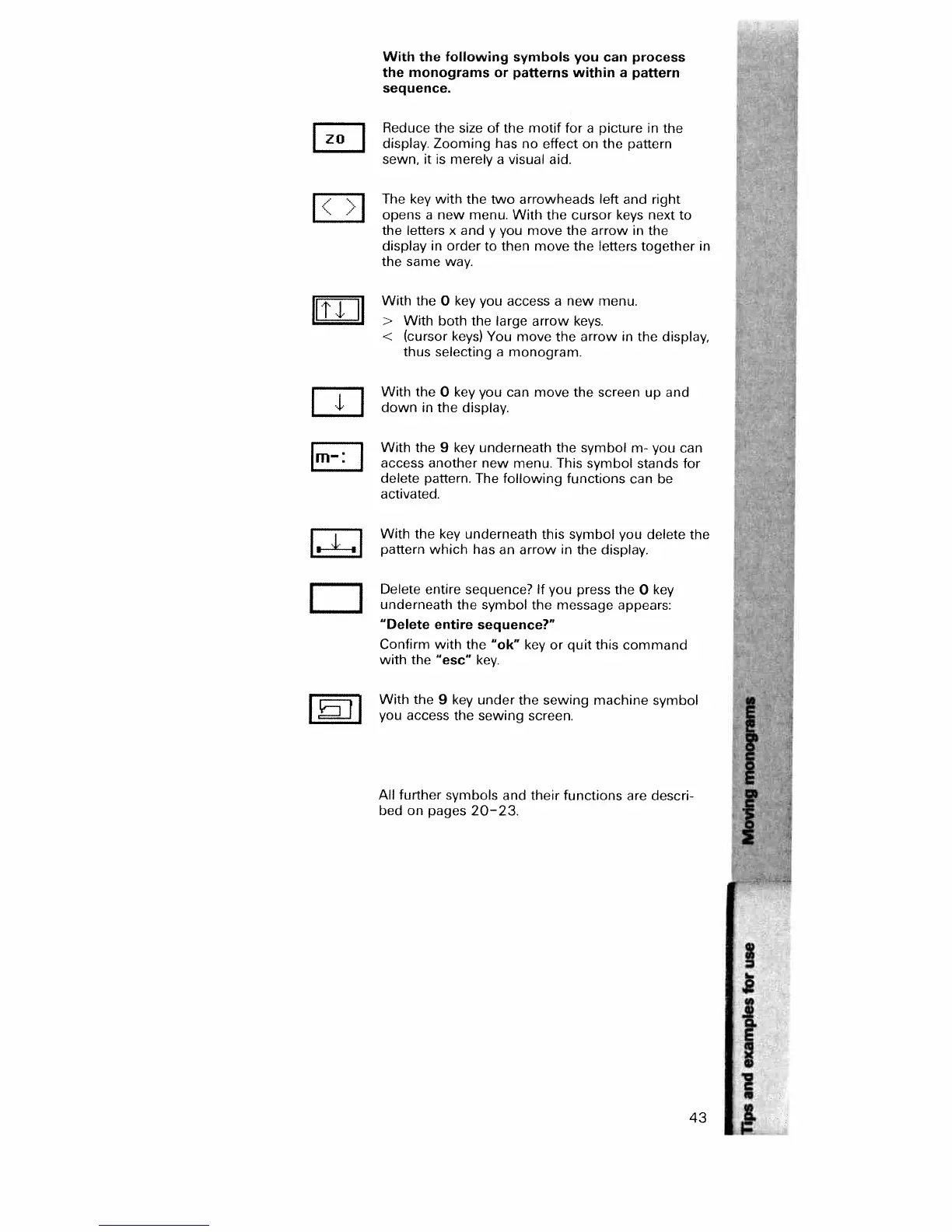
With
the
following
symbols
you
can
process
the monograms
or
patterns
within
a
pattern
sequence.
Reduce
the
size
of
the
motif
for
a
picture
in
the
ZO
display.
Zooming
has
no
effect
on
the
pattern
sewn,
it
is
merely
a
visual
aid.
The
key
with
the
o
arrowheads
left
and
right
I
opens
a
new
menu.
With
the
cursor
keys
next
to
the
letters
x
and
y
you
move
the
arrow
in
the
display
in
order
to
then
move
the
letters
together
in
the
same
way.
With
the
0
key
you
access
a
new
menu.
I
‘1’
>
With
both
the
large
arrow
keys.
<
(cursor
keys)
You
move
the
arrow
in
the
display,
thus
selecting
a
monogram.
I
With
the
0
key
you
can
move
the
screen
up
and
1
down
in
the
display.
With
the
9
key
underneath
the
symbol
m-
you
can
m—
access
another
new
menu.
This
symbol
stands
for
delete
pattern.
The
following
functions
can
be
activated.
[
I
With
the
key
underneath
this
symbol
you
delete
the
i i
pattern
which
has
an
arrow
in
the
display.
I
I
Delete
entire
sequence?
If
you
press
the
0
key
_______
underneath
the
symbol
the
message
appears:
“Delete
entire
sequence?”
Confirm
with
the
“ok”
key
or
quit
this
command
with
the
“esc”
key.
With
the
9
key
under
the
sewing
machine
symbol
I
I
you
access
the sewing
screen.
All
further
symbols
and their
functions
are
descri
bed
on
pages
20—23.
I
43

Table of Contents

Related product manuals