16.Remote Call Ringing Times Setting
In setup state, enter [36], then input ringing times [0~9], finally press [#] to confirm; The host
makes a “tick” sound, and then a voice prompts “setting completed”. Default: 6 times
Operating method: [36] [X] [#]
X indicates:ring times;
Example: Detailed operating of 2 times remote call ringing
Operating method: [36] [2] [#]
Notes: The host remote control is closed, when ringing times is set to 0
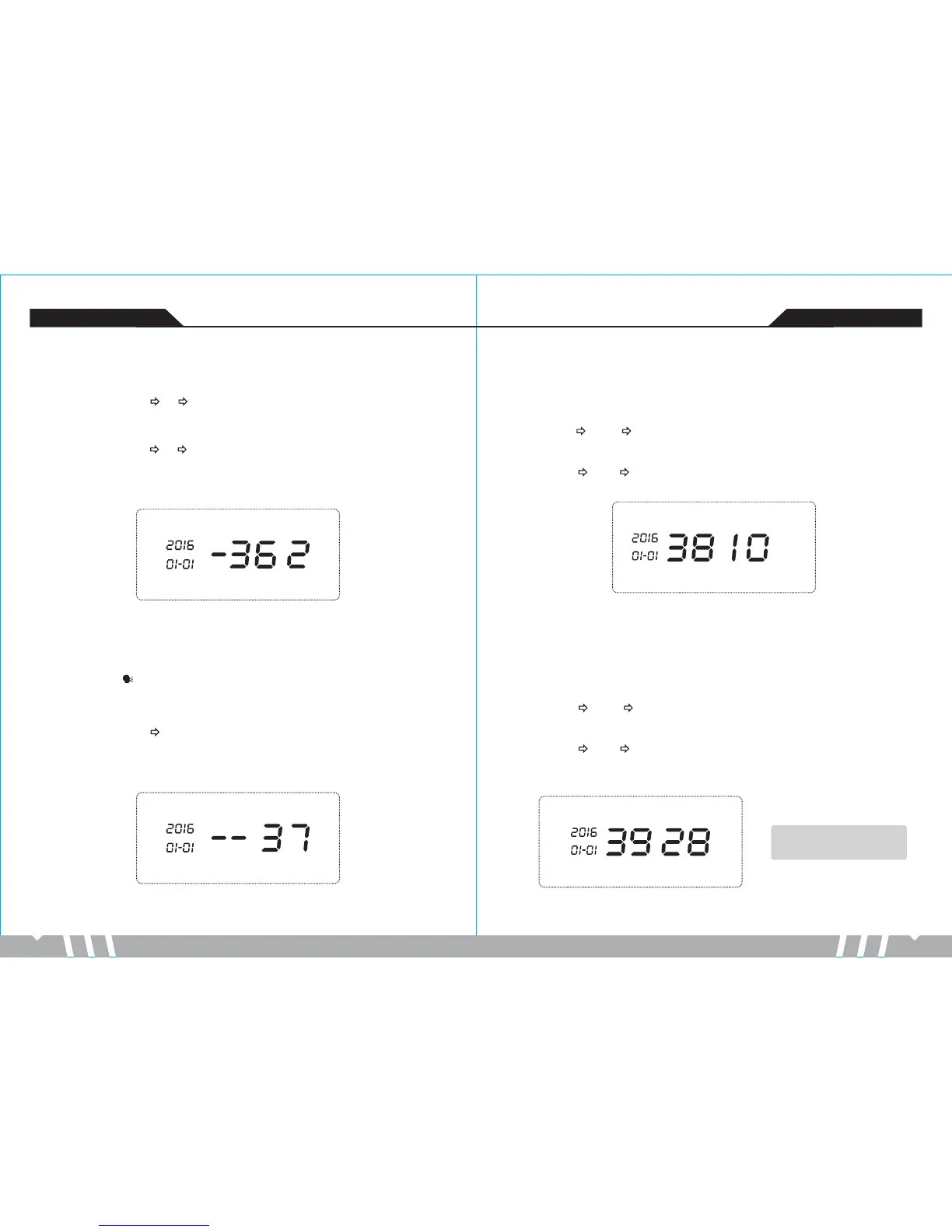
LCD display:
-17- -18-
GSM anti-theft alarm controller GSM anti-theft alarm controller
18.Password Change Setting
18.1Change User Password
In setup state, use keypad to input [38], then input the 4- digit new password, finally press [#]
to confirm. The host makes a “tick” sound, and then a voice prompts “setting
completed”.Default:1234.
Operating:[38] [XXXX] [#]
XXXX indicates:the new 4-digit password
Example: change the system password to 1012
Operating: [38] [1012] [#]
LCD display:
18.2Change Administrator Password
In setup status, use keypad to input [39], then input the 4- digit new password, and then
press [#] to confirm. The host makes a “tick” sound, and then a voice prompts “setting
completed”.Default:6666
Operating: [39] [XXXX] [#]
XXXX indicates: the new 4-digit password
Example: change the system password to 2846
Operating: [39] [2846] [#]
LCD display:
17.Recording Setting
Operating method: [37] [#]
LCD display:
In setup state, use keypad to input [37], and then press[#] to confirm. The host will emit a
“tick” sound and the [ ] indicator is on, and after 10 seconds count down, recording starts:
record at 30cm away from the host with moderate tone; 10 seconds later, the host will make a
“tick”sound, indicating the recording finish. Meanwhile, the recorded voice will replay.
Notes: The user password and
the Administrator password
cannot be the same.


 To Next Page