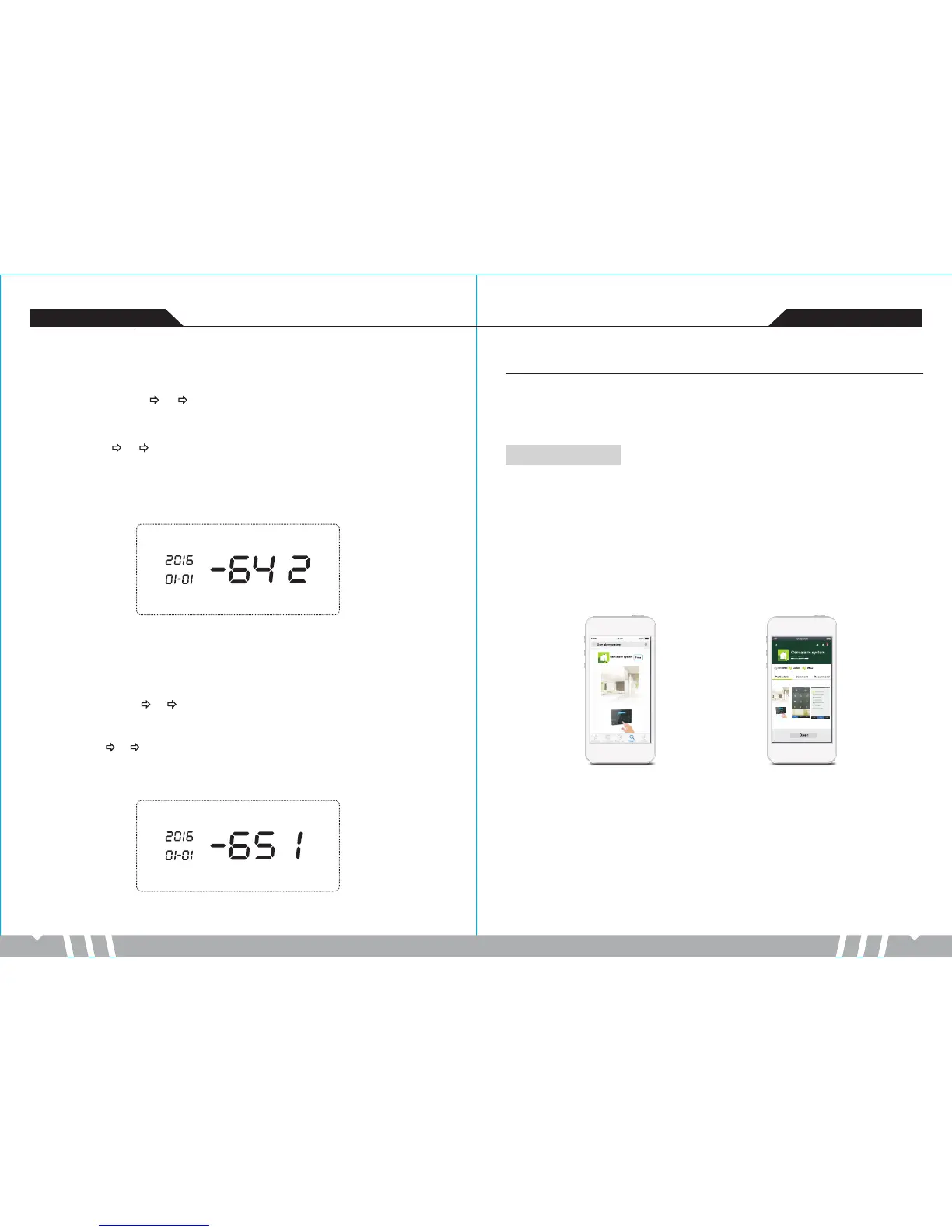
Download APP
iPhone user enter the APP Store, search "GSM alarm system"then download and install this
software.
Android user enter Google Play or Android market (China mainland), search “GSM alarm
system”,then download and install this software.
-27- -28-
GSM anti-theft alarm controller GSM anti-theft alarm controller
34.Sound Volume Setting
In setup status, enter [64],then input volume level [0~9],press [#]to confirm. Once the host
makes a “tick” sound, you will hear a voice prompt“setting completed”.Default level “6”.
Operating method: [64] [X] [#]
X indicates: volume level
Example: level 2
Operating:[64] [2] [#]
Note: If the volume level is set“0”,then no sound.
LCD display:
35. Language Setting
In setup status, enter [65],then input [1~2], press [#]to confirm. Once the host makes a
“tick” sound, you will hear a voice prompt“setting completed”. Default language Chinese[2].
Operating method: [65] X] #
X indicates: Language
Example: English [1]
Operating:[65] [1] [#]
[ [ ]
LCD display:
Mobile APP Operation
The system can be controlled by APP. iOS mobile will map to SMS interface, Android mobile
won’t map to SMS interface, but will finish the SMS operation in background.
iPhone APP interface Android APP interface


 To Next Page