7.Single Wireless Detector Deleting Setting
In setup state, enter number [24] and then press the [02~99] defense zone number which
needs to be deleted, finally press [#] to confirm. The host makes a “tick” sound, and then a
voice prompts “setting completed”. Notes: The deleted sensor for zone would be invalid, so
think it over before you want to delete.
-11- -12-
GSM anti-theft alarm controller GSM anti-theft alarm controller
Operating method: [23] [XX] [#]
XX Indicates:02~99 defense zones number
Example: Code defense zone 02
Operating method: [23] [02] [#]
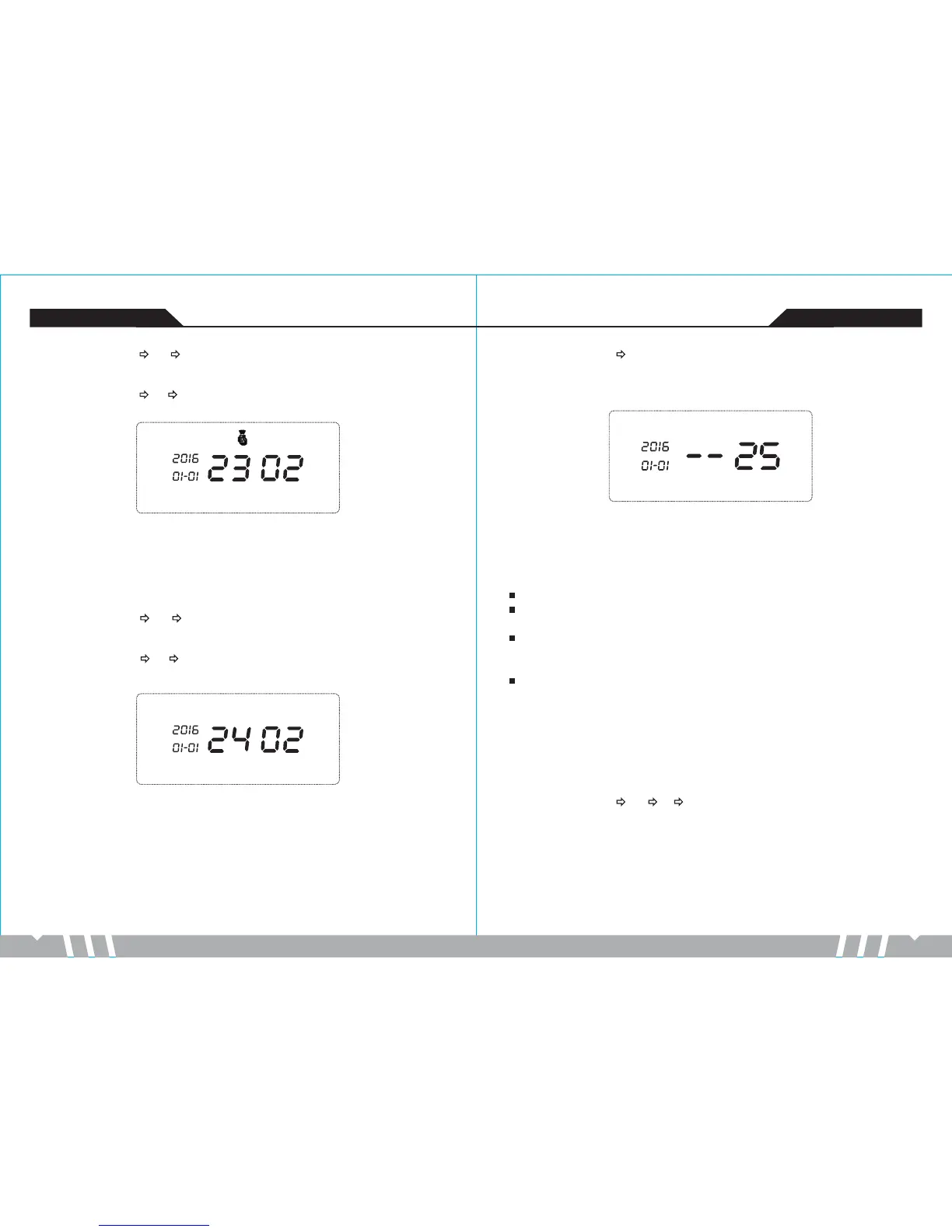
LCD display:
Operating method: [24] [XX] [#]
XX indicates:02~99 defense zones number
Example:Delete defense zone 02
Operating method: [24] [02] [#]
LCD display:
8.All Wireless Detector Deleting Setting
In setup state, enter number [25], finally press [#] to confirm. The host makes a “tick” sound,
and then a voice prompts “setting completed”. Notes: The deleted sensor for zone would be
invalid, so think it over before deleting.
Operating method: [25] [#]
LCD display:
9.Alarm Type Setting
9.1 There are 4 Defense Types:
Detector alarm type is set to “0”: This detector will not trigger the host to alarm in any status.
Detector alarm type is set to “1”: This detector will trigger the host to alarm whether in Out
Arm or Stay Arm state.
Detector alarm type is set to “2”: This detector will trigger the host to alarm only in Out Arm
state; host is in Stay Arm state, the detector cannot trigger
the host to alarm.
Detector alarm type is set to “3”: This detector will trigger the host to alarm in any status.
9.2 Wireless Detector Alarm Type Setting
In setup state, input number [26], and then press the defense zone number [02~99] and then
input detector alarm type [0~3], finally press [#] to confirm.The host makes a “tick” sound, and
then a voice prompts “setting completed”.
Operating method: [26] [XX] [Y] [#]
XX indicates: two-digit defense zone number
Y indicates: one defense zone alarm type
Example: setting 02 defense zone alarm type to be Out Arm or Stay Arm


 To Next Page