10
Phantomgogo APP
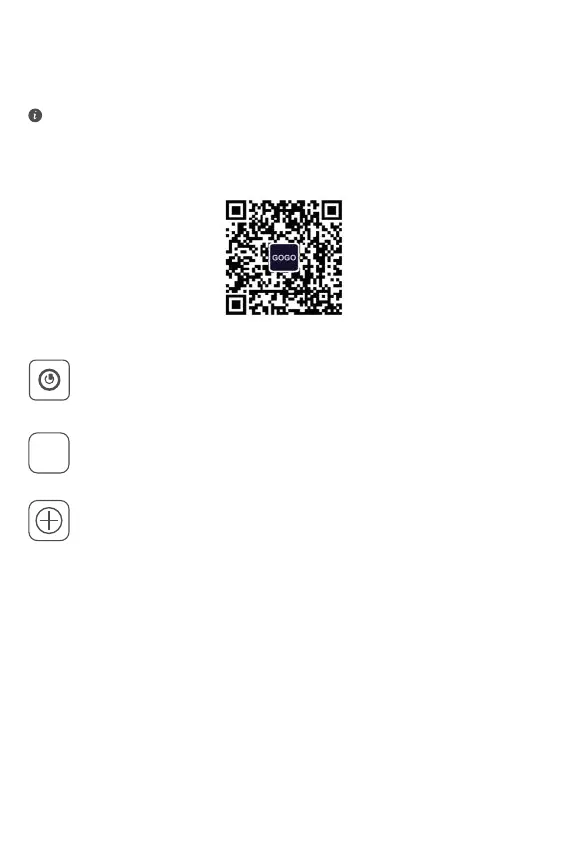
Scan QR code with your mobile phone to download and install the APP.
STEP 1
Press the button to turn on the scooter and then turn on the
Bluetooth function of your mobile phone.
STEP 2
Open the Phantomgogo APP. Please register/log in to your
account according to the app instructions.
STEP 3
On the APP homepage, select “Search the binding”. The APP
will scan the scooter to be configured and add the device
according to the prompt in the APP interface.
Zero Start / Non-zero Start Mode
1. Zero Start Mode:
After startup, ick the accelerator dial to activate the accelerator.
2. Non- zero Start Mode:
After startup, the accelerator can be started only when the initia speed
is ≥3 mph with the help of feet.
3. The factory default of scooter is non-zero start mode.
If the APP has been installed on your mobile phone, make sure that
the APP is the latest.
APP


 To Next Page