43
Phantom Flex Manual
42
Phantom Flex Manual
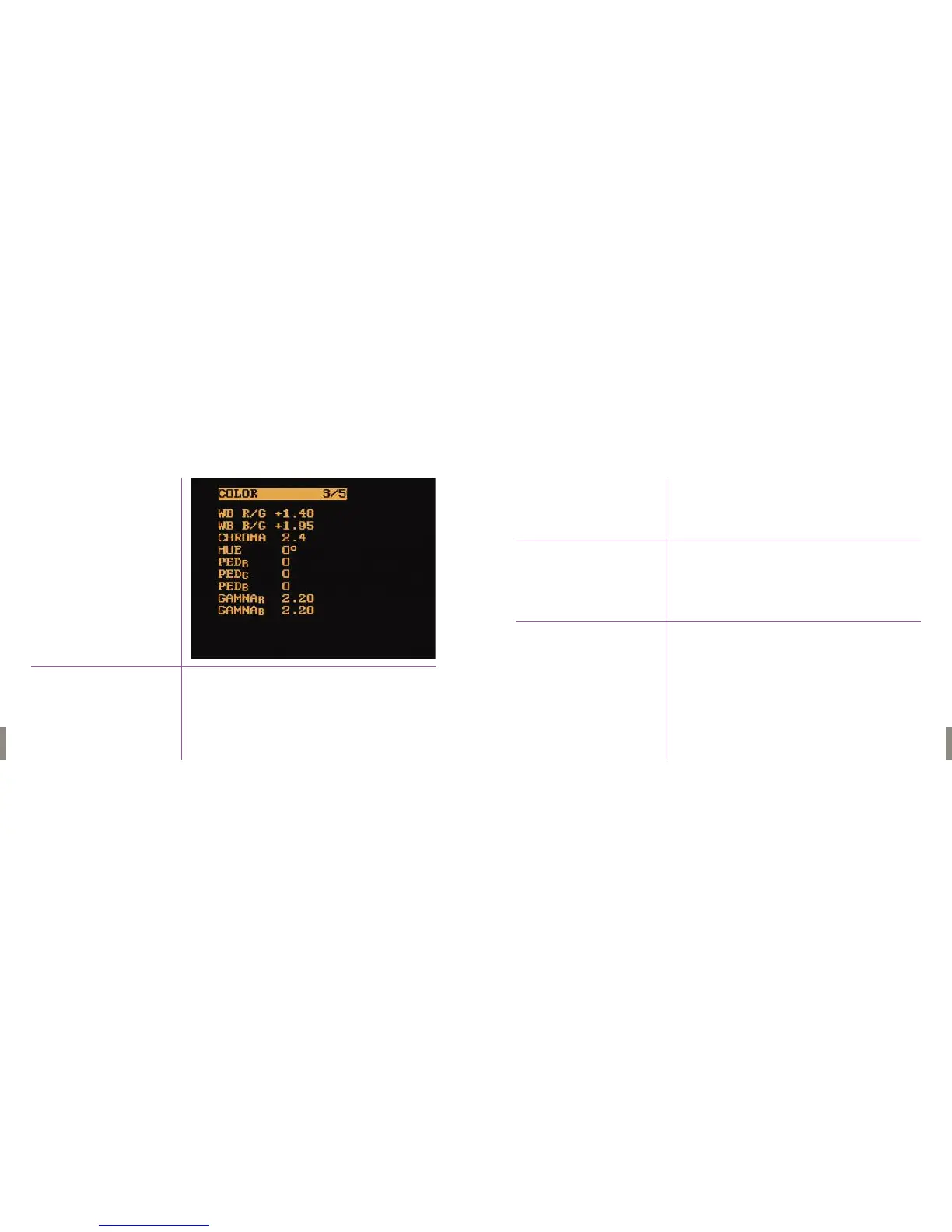
This is the amount of red relative to green. When a white balance is performed,
this value is automatically changed.This value can also be changed manually.
1. To increase the red relative to green amount, hold in Menu button
and rotate clockwise.
2. To decrease red relative to green amount, hold in and rotate counter
clockwise.
This is the amount of blue relative to green. When a white balance is
performed, this value is automatically changed.This value can also be changed
manually.
1. To increase the blue relative to green amount, hold in Menu button
and rotate clockwise.
2.To decrease blue relative to green amount, hold in and rotate counter
clockwise.
WB R/G
WB B/G
Menu Three
Color 3 /5


 To Next Page