47
Phantom Flex Manual
46
Phantom Flex Manual
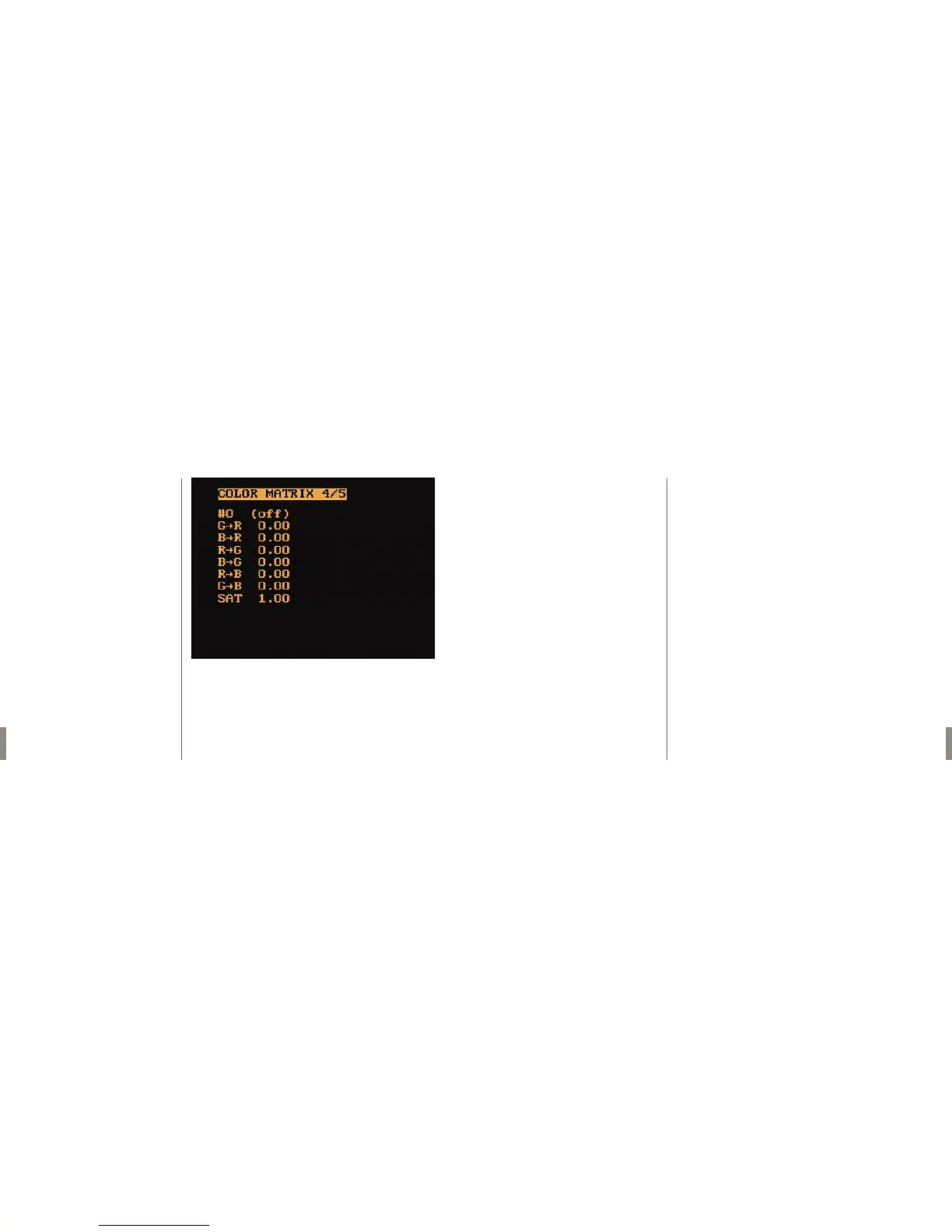
Menu Four
The color matrix settings (G->R to G->B) affect the color reproduction of the
camera’s video output. By using a calibrated chart (such as a DSC Labs’
“Chroma Du Monde”) and a vector scope, the color reproduction of various
cameras can be closely matched by adjusting the Matrix settings.
Up to four matrices can be set and individually selected by changing “#0 (off)”
to values from 1 to 4.
Sat will increase or decrease the overall color saturation with the value “0.00”
being a completely desaturated (black and white) image, 1.00 being the
default value, and values over 1.00 being hyper-saturated.
1. To increase any of the above options, hold in the Menu knob
and rotate clockwise.
2.To decrease any of the above options, hold in the Menu Knob and
rotate counter clockwise.
G-R, B-R, R-G, B-G, R-B, G-B,
& Sat(Saturation)
Color Matrix 4 /5



 To Next Page